Downloading Dashboards
Dashboards can be downloaded one at a time through the current UI. To download:
-
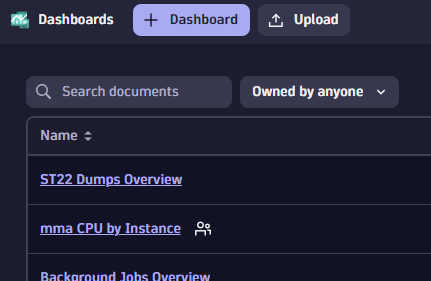
Find the dashboard in the Dashboards app.
-
Open the dashboard.
-
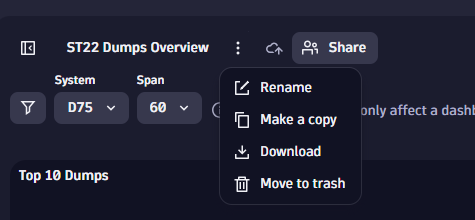
Click the context menu next to the dashboard name.
-
Select “Download.”
Uploading Dashboards
Dashboards can be uploaded one at a time through the current UI. To upload:
-
Open the Dashboards app.
-
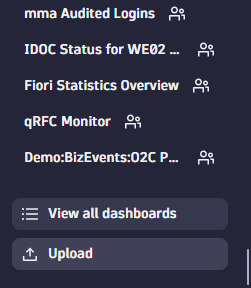
If a dashboard is open, click the upload button in the menu on the left. If the dashboard list appears, click the upload button at the top.
-
Select the dashboard backup file from your machine and upload.