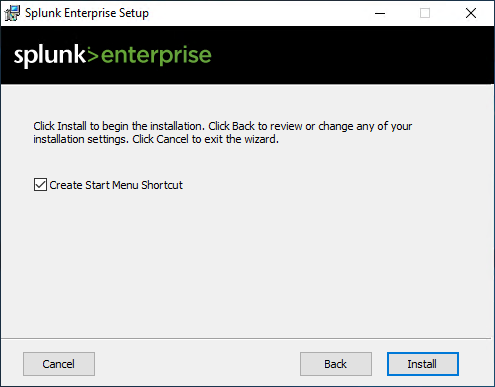
Use the latest installation resources, provided by your Splunk distributor. Installation is quite straight forward. Use recommended settings. For more detailed instructions, refer to the official Splunk documentation.
-
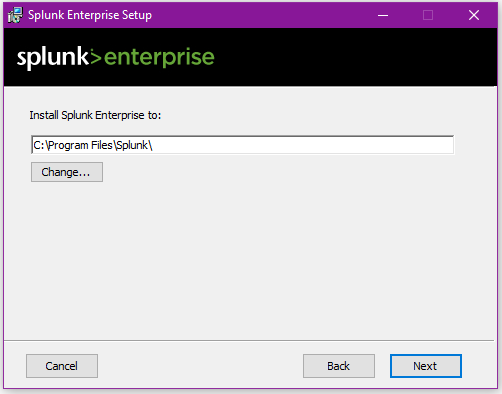
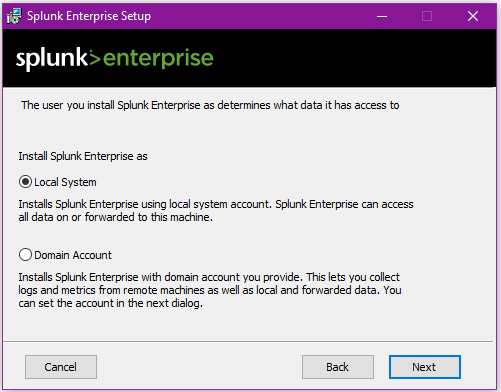
If you want to change the default installation path or (applicable on Windows) domain affiliation, use the “Customize Options” button, otherwise use “Next”.
-
Ensure to have users with administration privileges in Splunk as well as in SAP Basis.
-
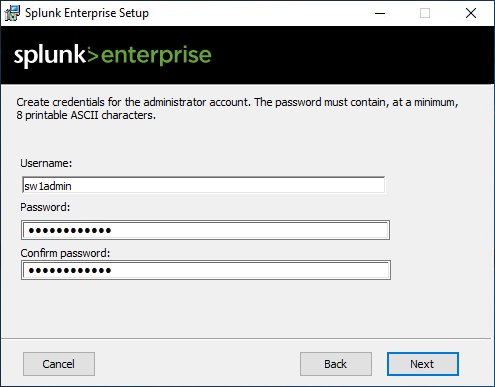
Create an administration user account responsible for any configuration task in Splunk. Please choose a reasonable password for it.
-
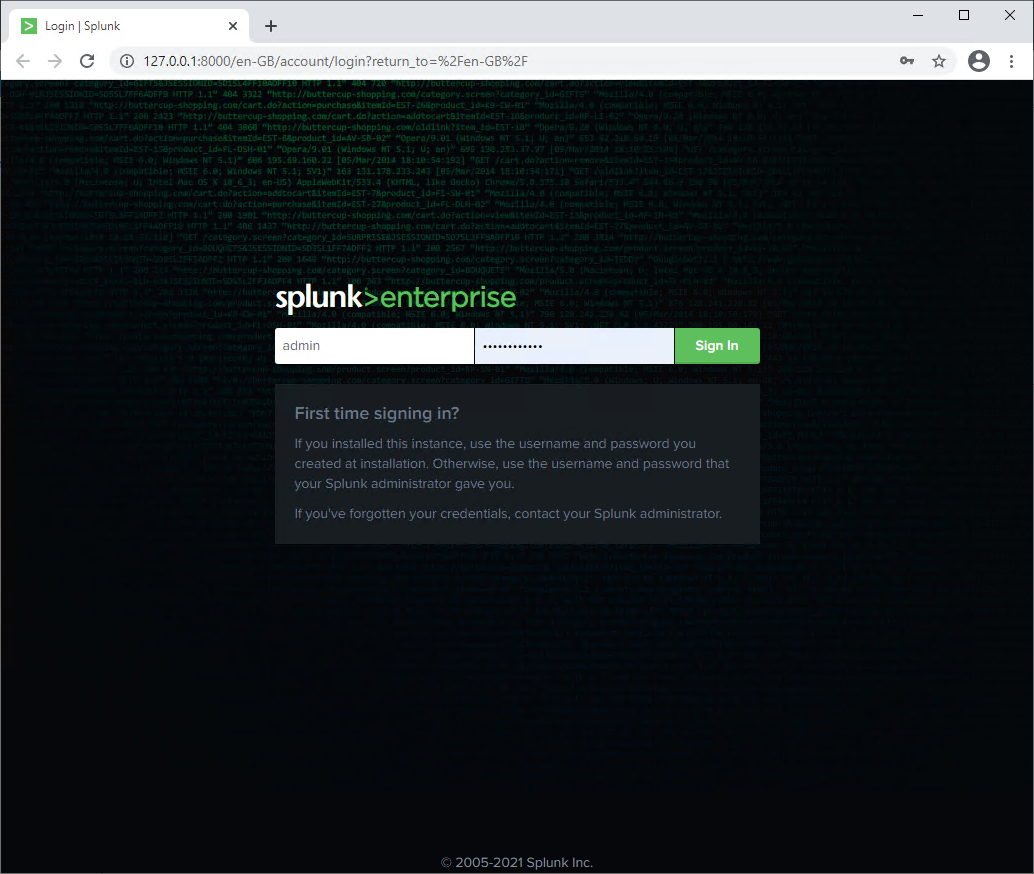
Wait for the process to be started, which could take a while and open a browser window. Load the address http://<hostname>:8000 to open the management interface of Splunk Enterprise.
-
You’re requested to change the password provided while installing Splunk. Please comply with this requirement.