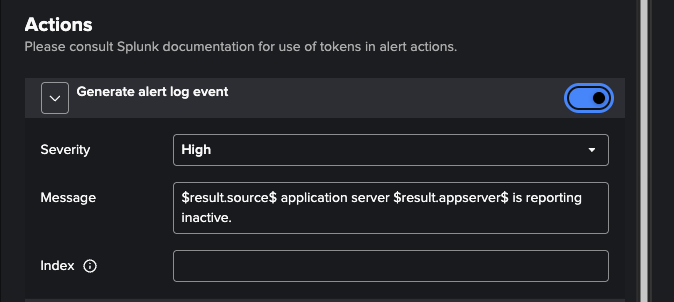
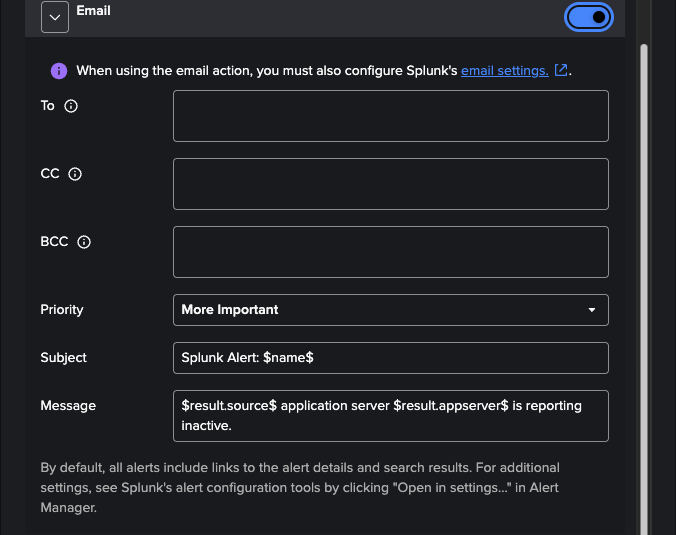
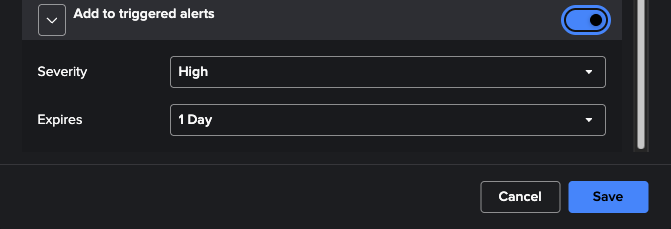
PowerConnect for SAP Solutions app version 9.1.0 for Splunk provides a new interface for creating custom alerts. These alerts are generated and potentially modified from built-in templates for your use.
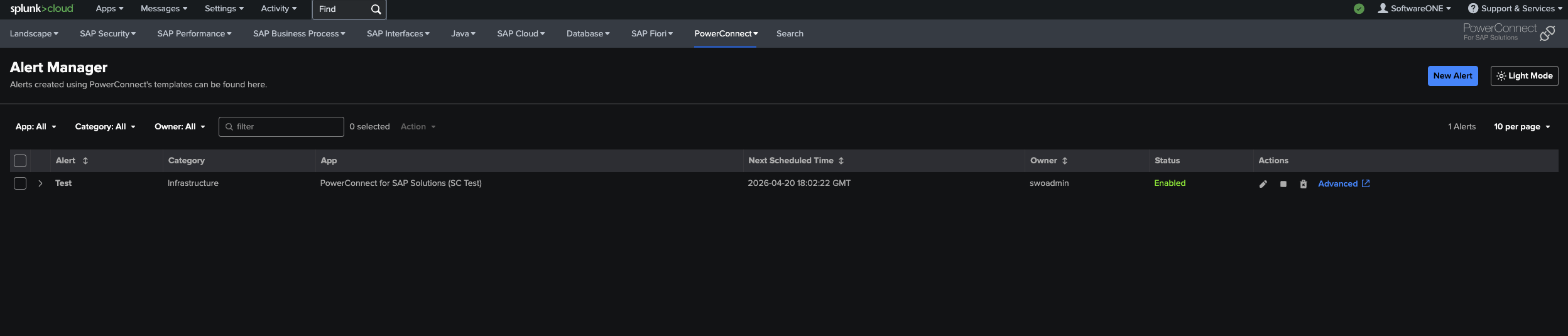
A new alert can be created by selecting “New Alert” at the top right of the screen. In addition, alerts can be disabled/enabled, edited, and deleted.
Creating a New Alert
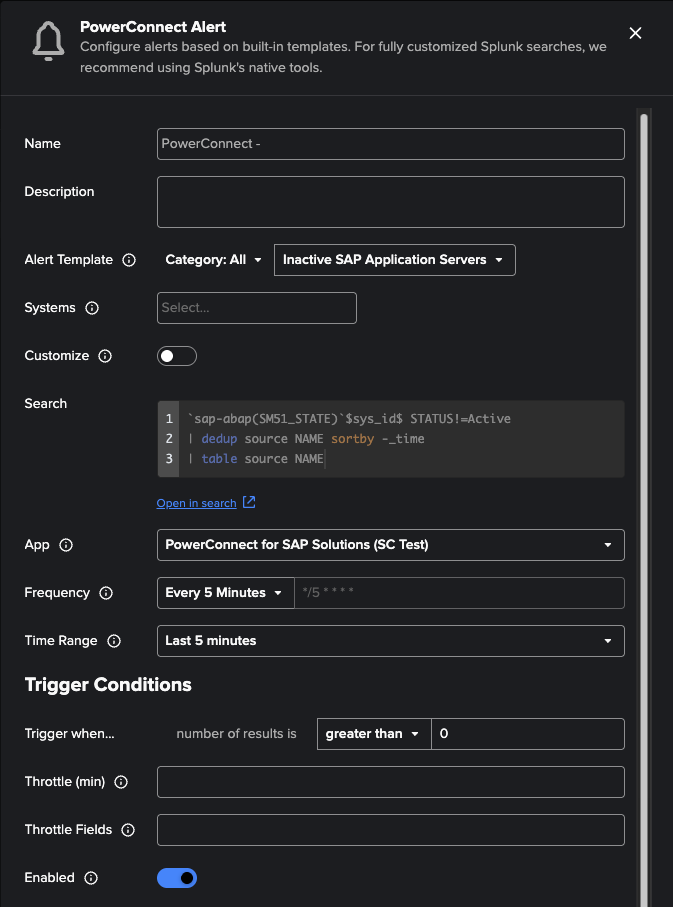
Creating a custom alert is similar to Splunk’s native tools and is enhanced to allow you to work on an alerting template. You can provide the following attributes:
-
Name
-
Description
-
Alert Template
-
Filtered by Category
-
-
Systems
-
Generated from PowerConnect’s pc_sap_systems lookup
-
-
Search
-
Can be unlocked and customized using the corresponding toggle
-
-
App
-
Frequency
-
Can be a selected preset or a customized Cron schedule
-
-
Search Time Range
-
Trigger condition
-
Throttling
-
Enabled at creation
The PowerConnect custom alerting system also provides three possible actions:
-
Generate an alert log event
-
Email
-
Requires pre-configuration of Splunk’s email settings on Splunk Enterprise.
-
-
Add to triggered alerts