

If your SAP systems run on HANA you will need to upload the scripts to run extended queries. The scripts are accessible using the SAP ONE Support Launchpad: 1969700 - SQL Statement Collection for SAP HANA.
-
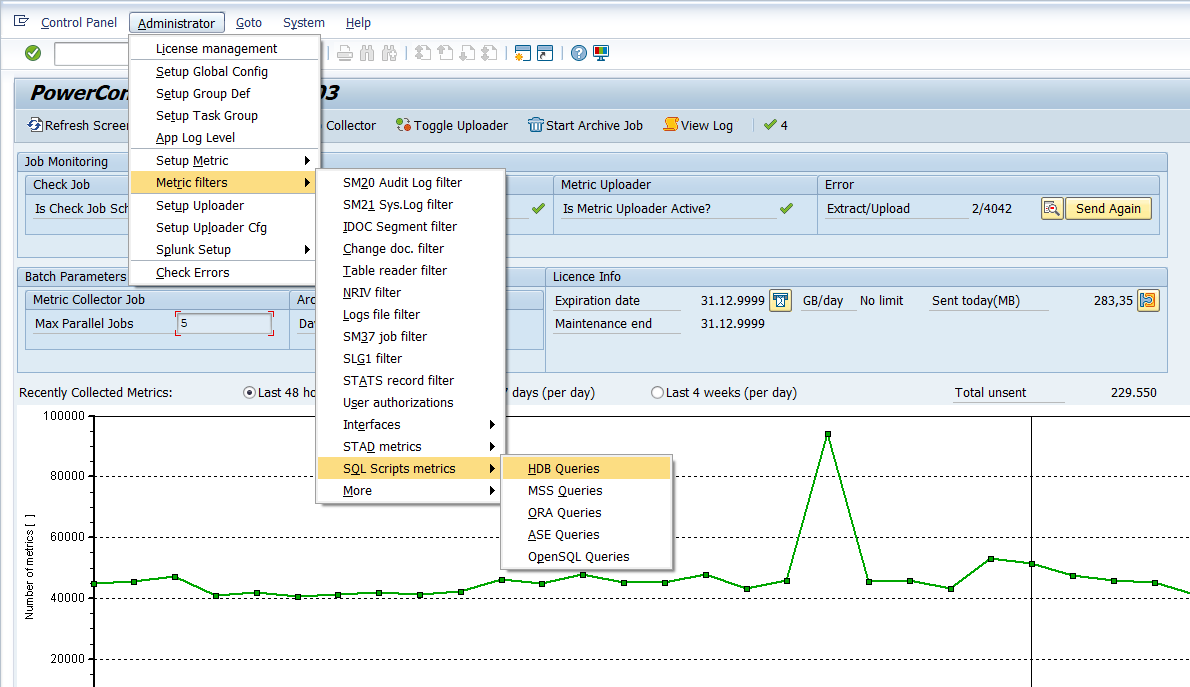
Administrator -> Metric Filters → SQL Script Metrics → HDB Queries
-
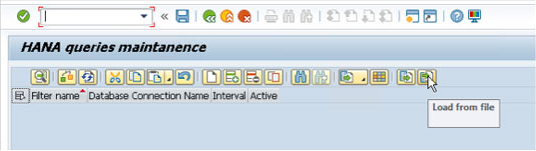
Select Upload file button
-
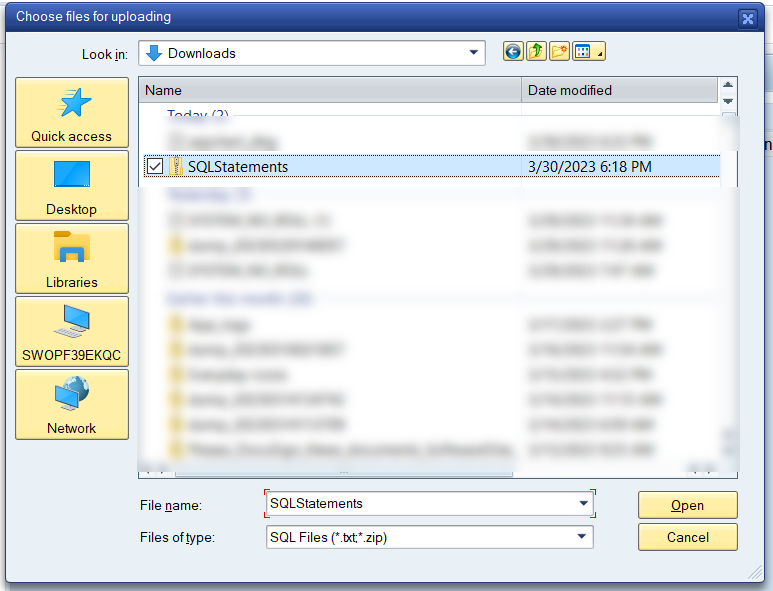
Navigate to where SQLStatements.zip file has been saved and select
-
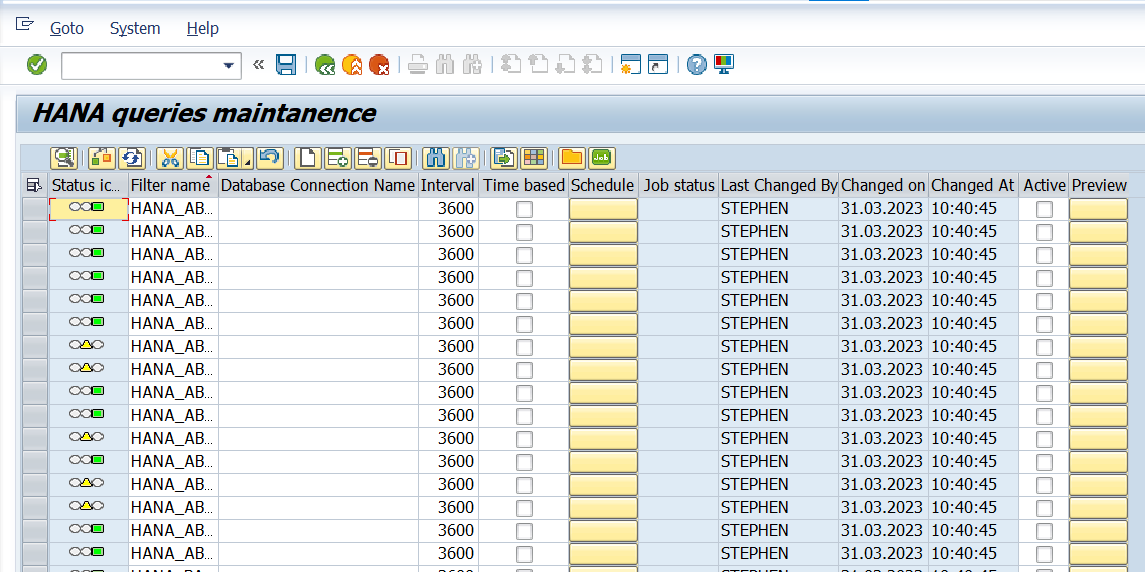
Once uploaded, select scripts you want to run and then press “Save” from the top menu
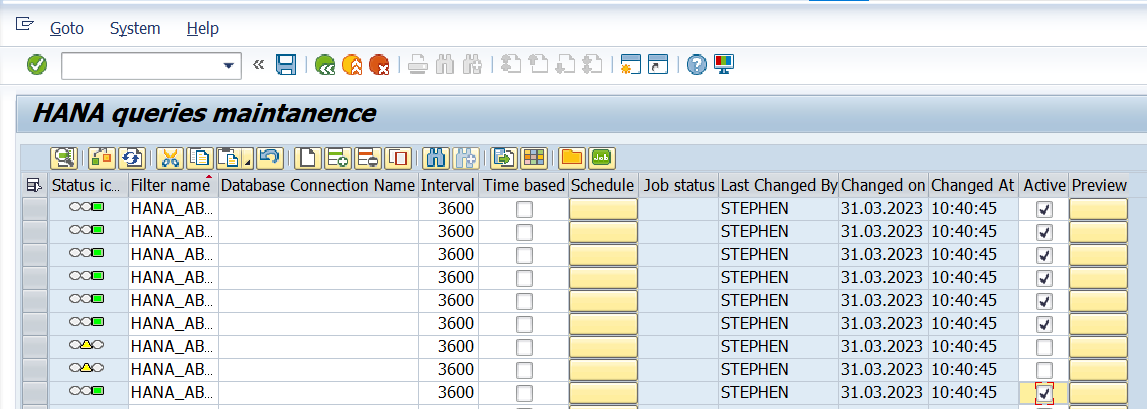
→ Important note!
Please note that some scripts are not valid out of the box and should be adjusted based on your system setup (i.e. the predefined scheme is not valid). It is recommended to activate necessary scripts one by one to avoid potential errors.