

Overview
SAP Data Intelligence Cloud Edition is a cloud-based data management solution. It's designed to help organizations effectively manage and leverage their data assets across various sources, formats, and systems. SAP Data Intelligence offers a wide range of capabilities to enable data integration, data governance, data quality and data orchestration. The PowerConnect Cloud Data Intelligence Input monitors resource metrics from the Data Intelligence Platform for operational use cases.
Data Collected
Resource metrics from Kubernetes clusters running Data Intelligence
APIs Used
Status
Generally Available
Configuration
The PowerConnect Cloud Data Intelligence input requires a user with admin privileges and connectivity to the monitoring query api.
Create a user
-
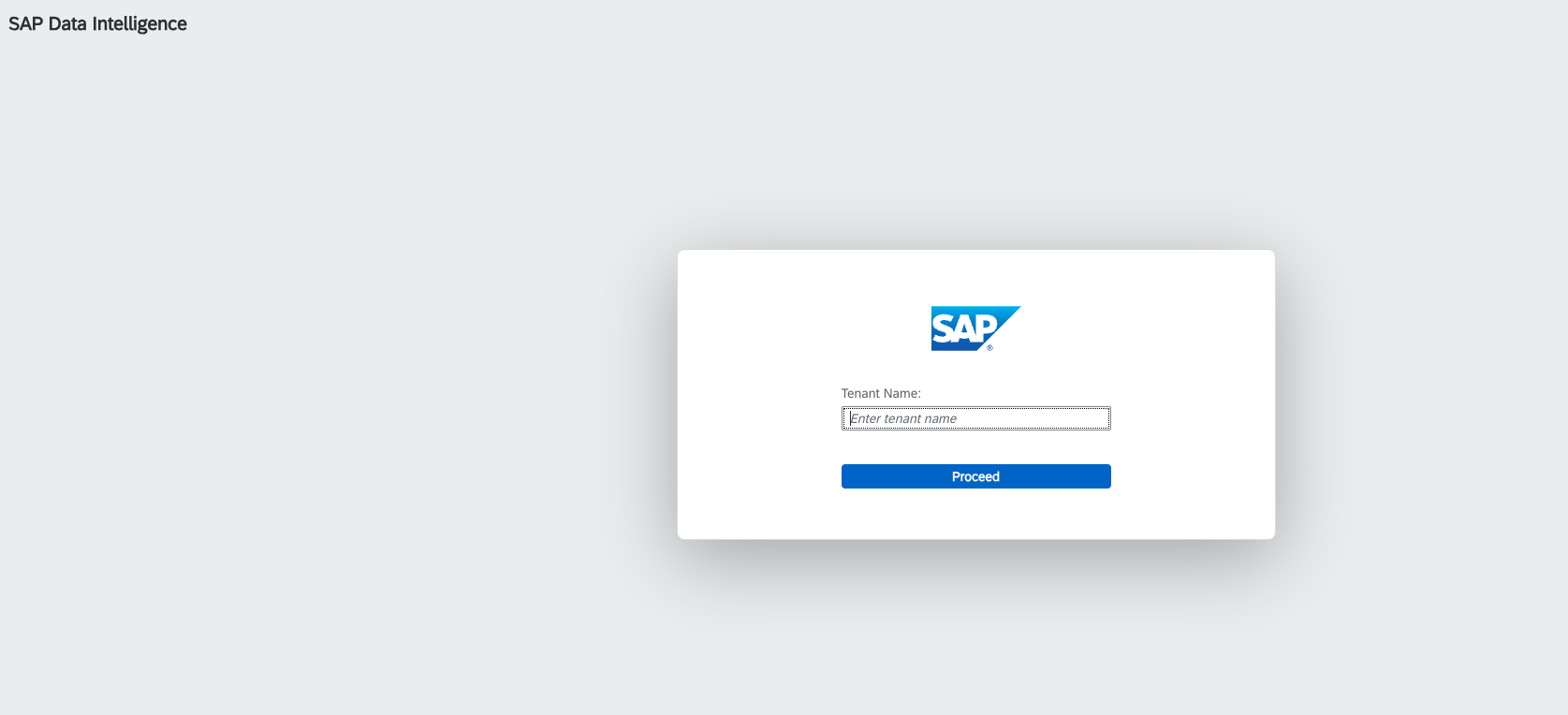
Login to your Data Intelligence console
-
Click System Management

-
Click the Users tab then click Create User

-
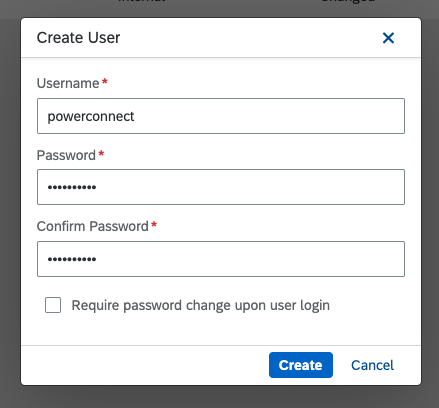
Fill out the new user details and click Create
-
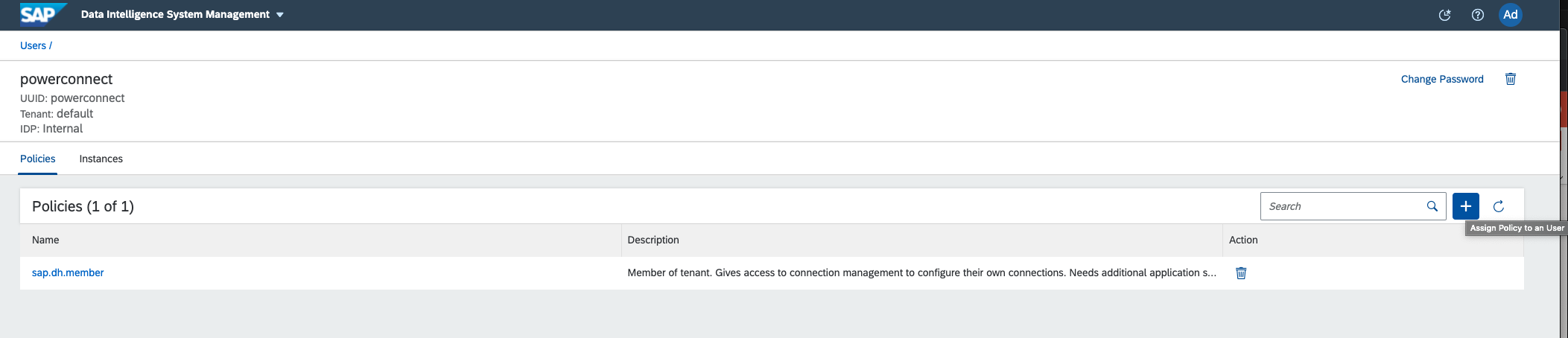
Click on the newly created user and click Assign Policy to an User
-
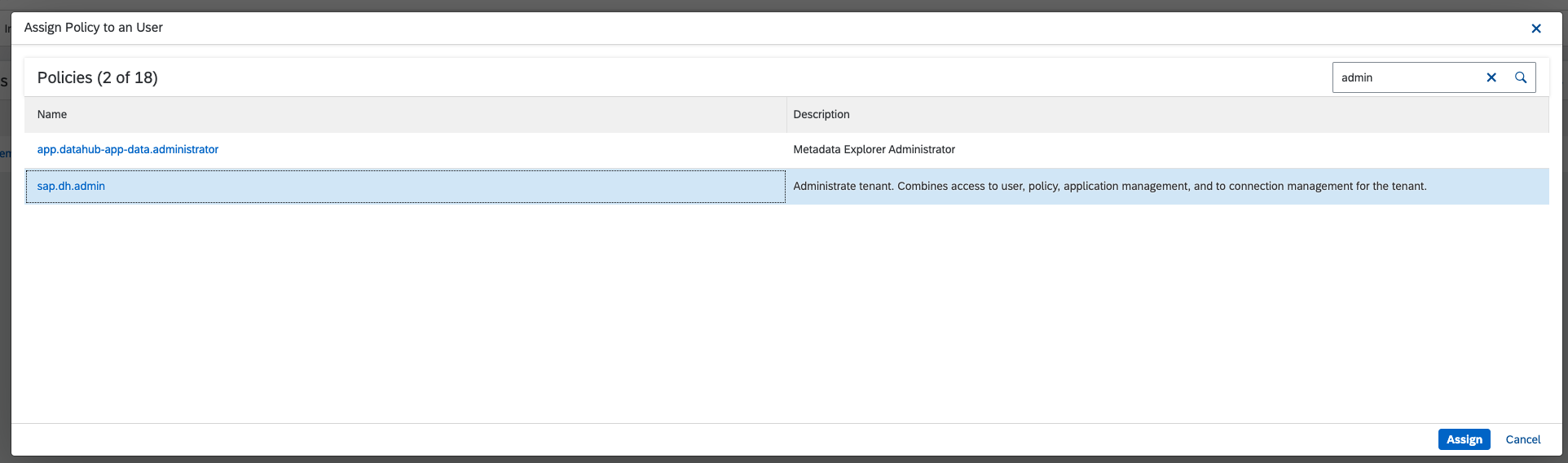
Click the sap.dh.admin policy and click Assign
Add a Data Intelligence Input to PowerConnect Cloud
-
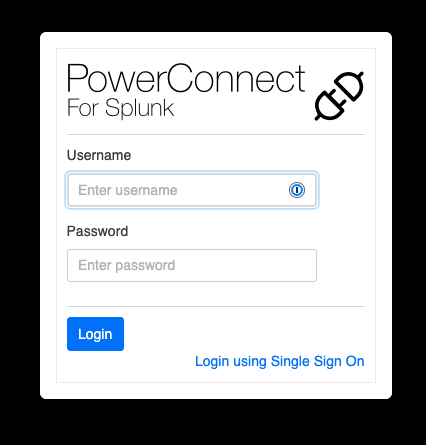
Login to the PowerConnect Cloud Web UI
-
Click the Inputs tab then Add New Input

-
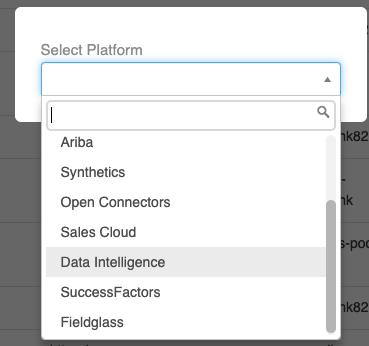
Under the Platform selection choose Data Intelligence
-
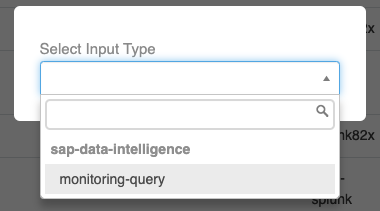
Under the Input Type choose monitoring-query
-
Fill out the details including the username and password created in the previous section. The tenant uid can be found by following the instructions in the Data Intelligence Admin guide under section 5.5.3 Retreiving your Tenant uid - https://help.sap.com/doc/437a860f37b04a509178cd3cc2a73932/Cloud/en-US/cloud_loio5f8dece2944345ba921d3f02005d5ce2.pdf
A list of queries for various metrics is included below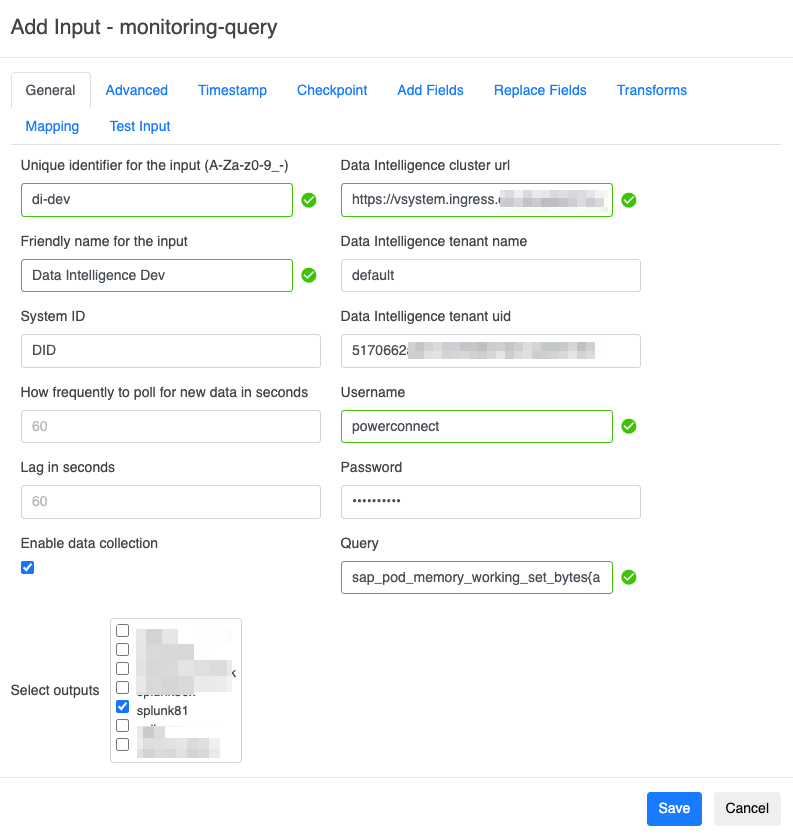
-
Click Test Input to confirm everything is working
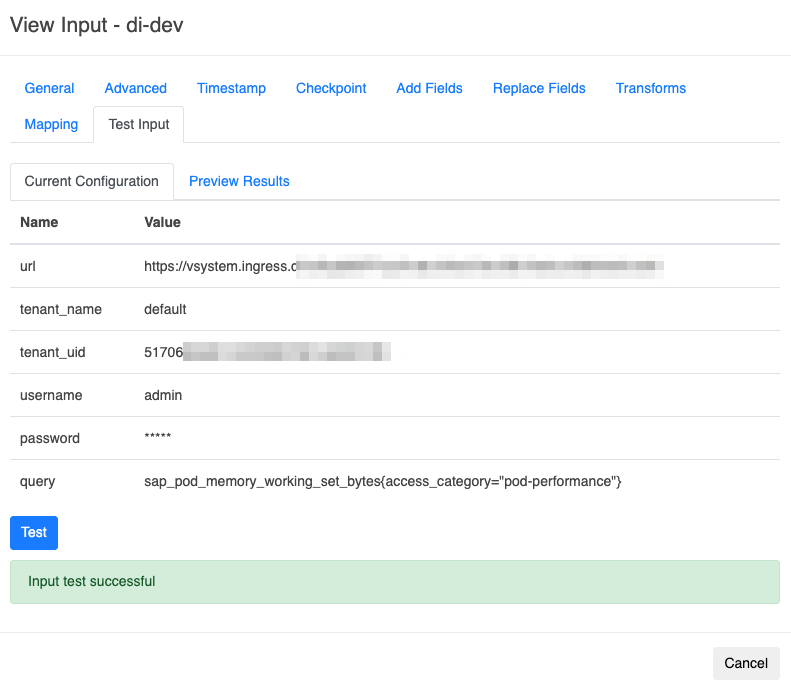
-
Click Save
Queries
Here is a list of some useful queries for the Data Intelligence metrics
Pod memory usage in bytes:
sap_pod_memory_working_set_bytes{access_category="pod-performance"}
Pod CPU cores usage:
rate(sap_pod_cpu_user_seconds_total{access_category="pod-performance"}[5m])
Pod network usage as bytes per second:
rate(sap_pod_network_bytes_total{access_category="pod-performance"}[5m])
Pod readiness status:
sap_pod_status_ready{access_category="pod-performance"}
This is a zero-one metric. The value 1 represents a ready pod, the value 0 a non-ready pod.
Smoothed pod readiness status:
avg_over_time(sap_pod_status_ready{access_category="pod-performance"}[5m])