

The PowerConnect Cloud agent can be configured to use a proxy server for both inputs and outputs:
Inputs
-
Set the environment variable
HTTP_INPUT_PROXY_URLto the proxy server address e.g.
export HTTP_INPUT_PROXY_URL=http://localhost:3128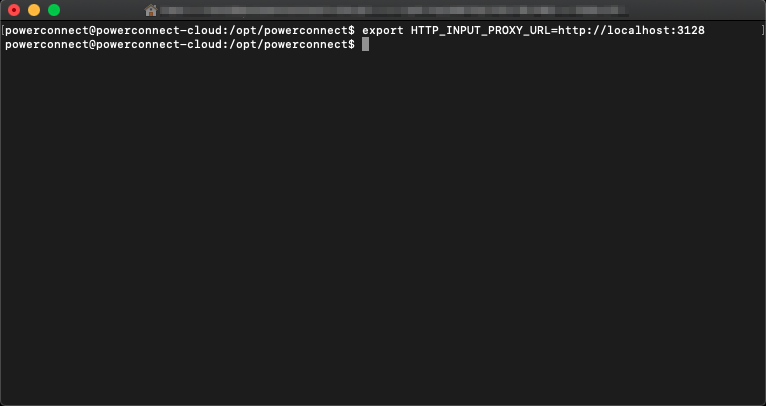
-
Restart the PowerConnect Cloud agent
/opt/powerconnect/bin/powerconnect.sh restart
Outputs
-
Set the environment variable
HTTP_OUTPUT_PROXY_URLto the proxy server address e.g.
export HTTP_OUTPUT_PROXY_URL=http://localhost:3128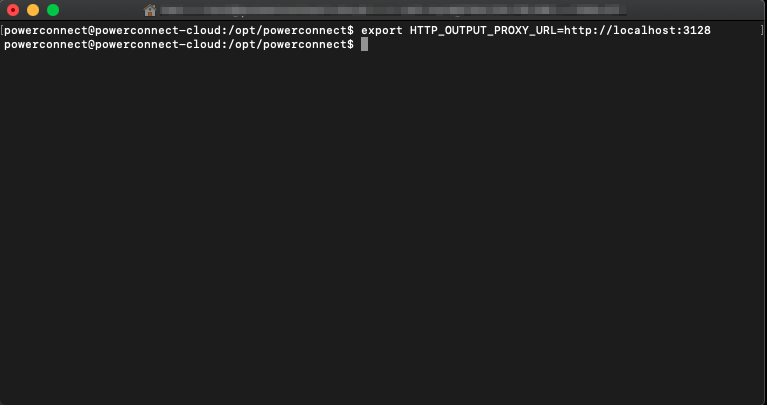
-
Restart the PowerConnect Cloud agent
/opt/powerconnect/bin/powerconnect.sh restart