

Adding a Dynatrace OpenTelemetry Metrics Ingest API output
-
Login to the PowerConnect Cloud web UI
-
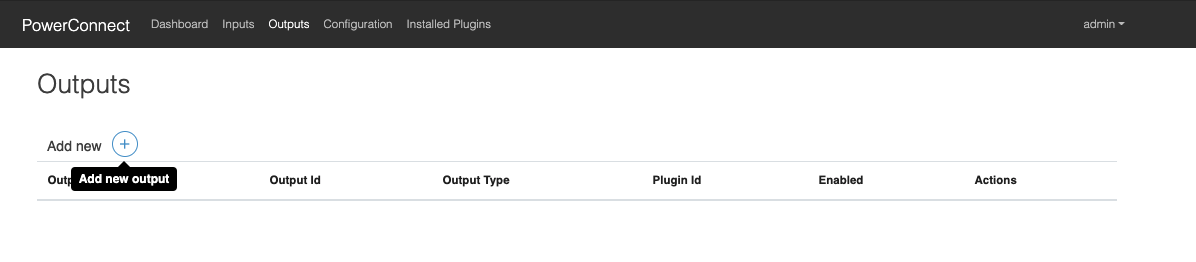
Click the Outputs link in the menu bar
-
Click the + button to add a new output
-
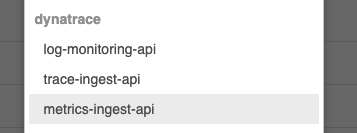
Choose dynatrace → metrics-ingest-api in the dropdown menu that appears
-
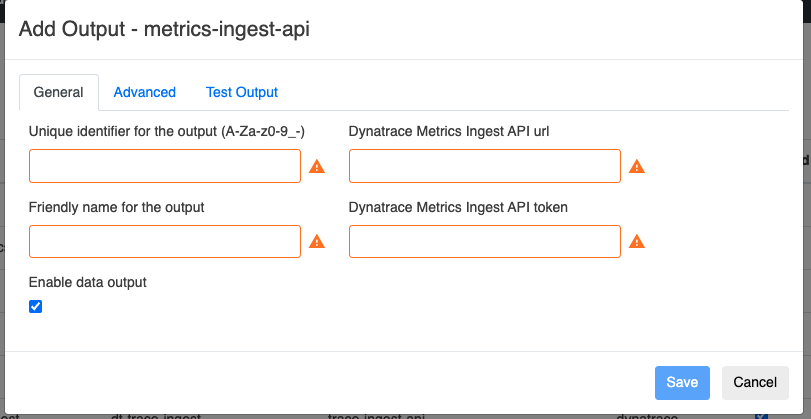
Populate the form with the details of your Dynatrace Metrics Ingest API endpoint
|
Configuration |
Description |
Required |
Default Value |
Comments |
|---|---|---|---|---|
|
Dynatrace OpenTelemetry Metrics Ingest API URL |
OpenTelemetry Metrics Ingest API url |
Yes |
|
Must use otlp endpoint e.g. https://xxx.live.dynatrace.com/api/v2/otlp/v1/metrics |
|
Dynatrace Metrics Ingest API Token |
OpenTelemetry Metrcis Ingest API token |
Yes |
|
|
|
Batch metrics together before sending to Dynatrace |
Batch metrics |
No |
Yes |
|
|
Batch size |
Max size of the batches |
No |
100 |
|
|
Retry send if error occurs |
Retry sending data if the Dynatrace endpoint is down |
No |
No |
|
|
Number of times to retry |
If retries are enabled defines how many times the Agent will retry before giving up |
No |
3 |
|
|
Backoff interval in seconds (fixed) |
Time in seconds the Agent will wait between retries |
No |
10 |
|
-
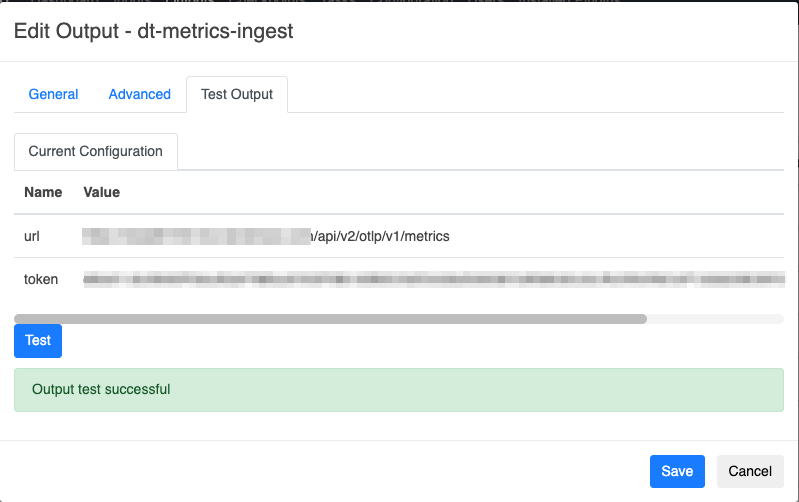
Click Test Output → Test
-
Make sure the Output test is successful then click the Save button
-
The output has now been created