

Adding a HEC output
-
Login to the PowerConnect Cloud web UI
-
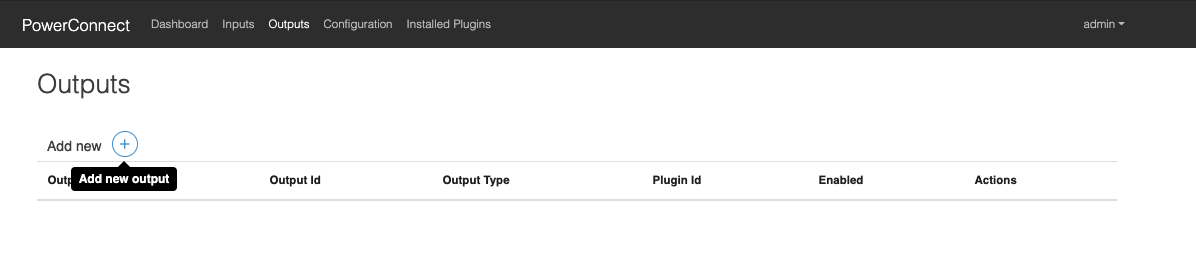
Click the Outputs link in the menu bar
-
Click the + button to add a new output
-
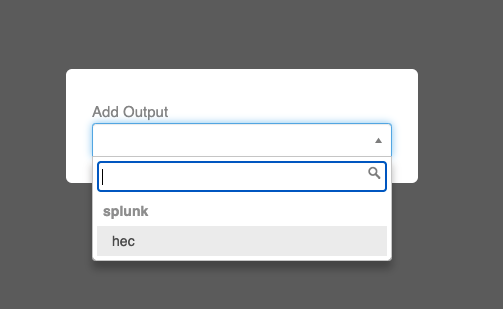
Choose hec in the dropdown menu that appears
-
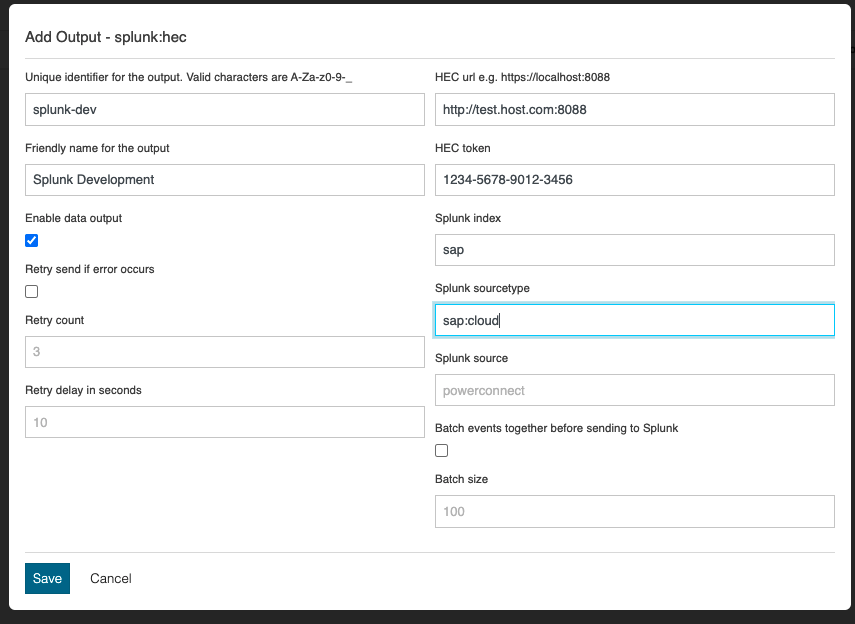
Populate the form with the details of your Splunk HEC endpoint
-
Click the Save button
-
The output has now been created