

If you would like to monitor SAP System Security Baseline, it is possible to load set of checks to be used and monitored as a baseline. Please follow steps below to upload rules into PowerConnect:
-
Administrator → Metric Filters->More->Rule Processing Filter
-
On the left side set the Active flag for Security Baseline group
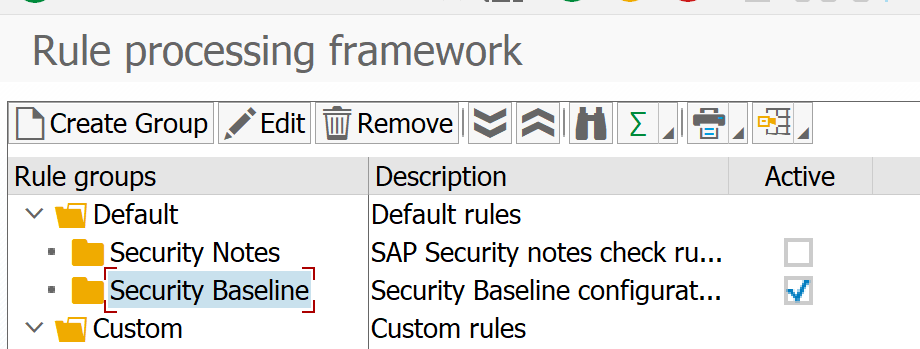
-
Double-click on Security Baseline group
-
On the right side, click ‘Import’

-
Select the path to the Security Baseline SP 7.XX.zip file (should be shared along with install files)
-
Use ‘Select All’ on the toolbar

-
Save the dialog and exit.
-
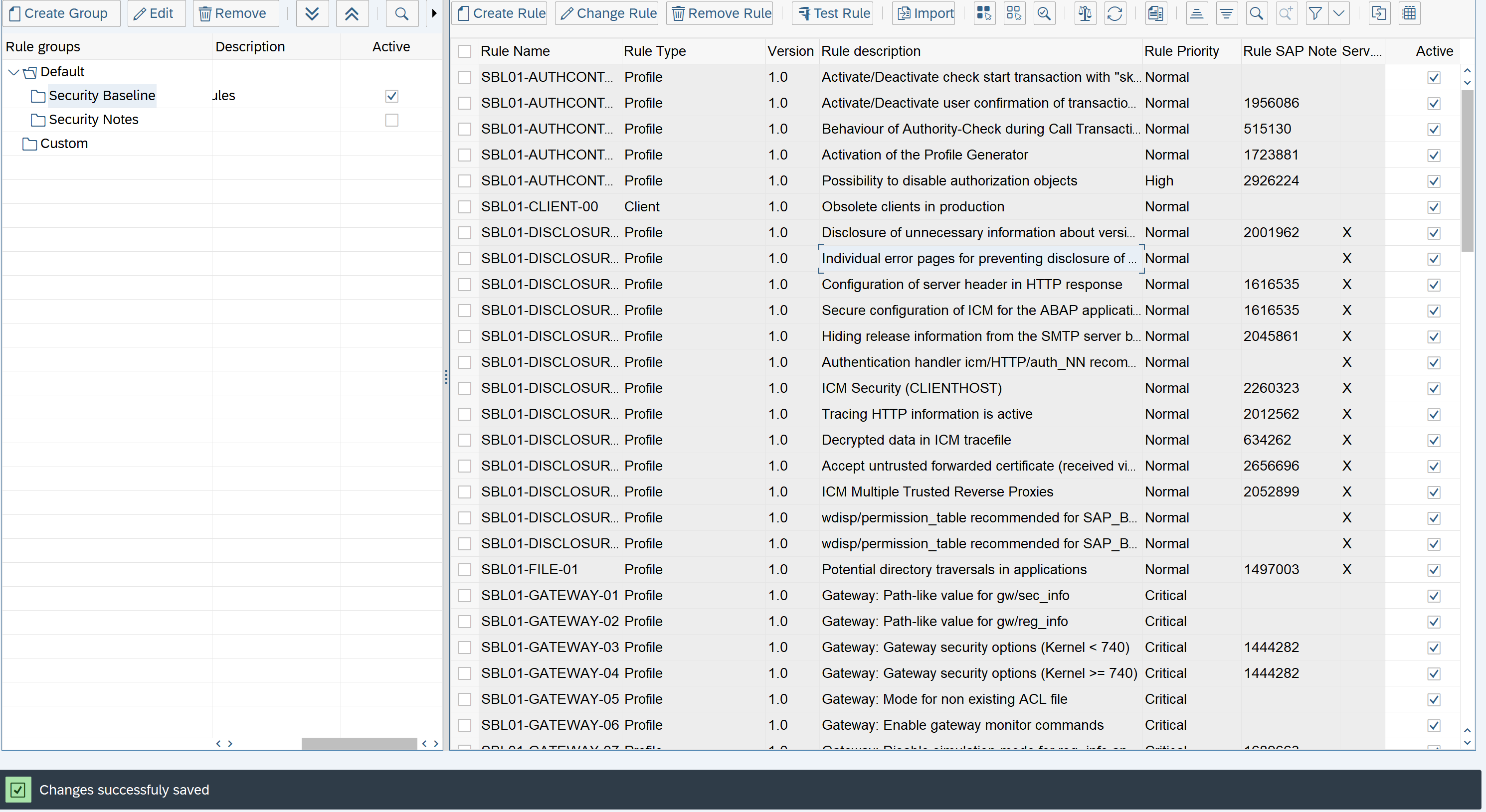
-
Activate the RPF_CHECK group in the Administrator->Setup Group Def menu option and save according to KB 108 - Enable/Disable ABAP Extractor.
→ Important note!
Please note that some checks could be deactivated later any time if needed.