

Roadmap
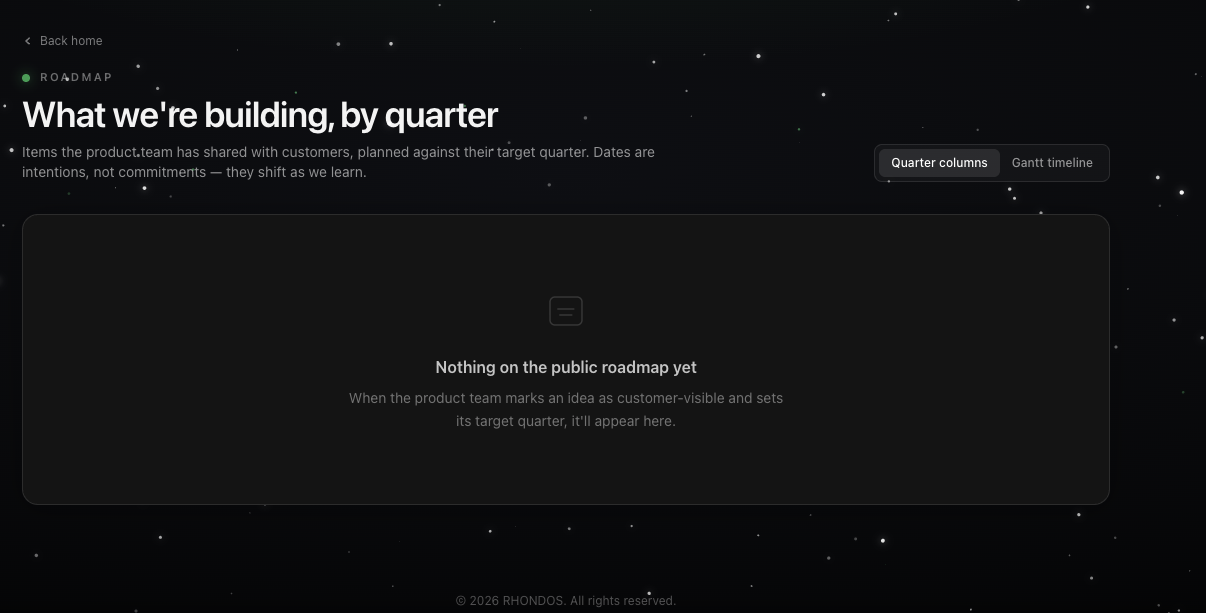
The roadmap shows what the product team is building, planned against target quarters. Dates are intentions, not commitments — they shift as we learn.
Only items the product team has marked as customer-visible appear here.
Opening the roadmap
Click Roadmap in the top navigation, or View the roadmap on the portal home. Use Back home at the top left to return.
Two views
Switch between them with the toggle at the top right:
|
View |
What it shows |
|---|---|
|
Quarter columns |
Items grouped into columns by target quarter. Best for a quick read of what is coming when |
|
Gantt timeline |
The same items laid out on a time axis, so you can see how they overlap and sequence |
Roadmap lanes on the portal home
The home page also has a shorter view of the roadmap, split into three lanes:
-
Recently shipped — live for customers now
-
Building now — in active development
-
Exploring next — discovery, validation, design
Where roadmap items come from
Items reach the roadmap after the product team reviews and approves customer ideas and sets a target quarter. If there is something you would like to see here, submit it from the Share an idea section.