

Signing in to the RHONDOS Customer Portal
The portal uses a one-time code instead of a password. You do not need to create an account or remember credentials.
-
Go to the portal
Open customer.rhondos.com.
-
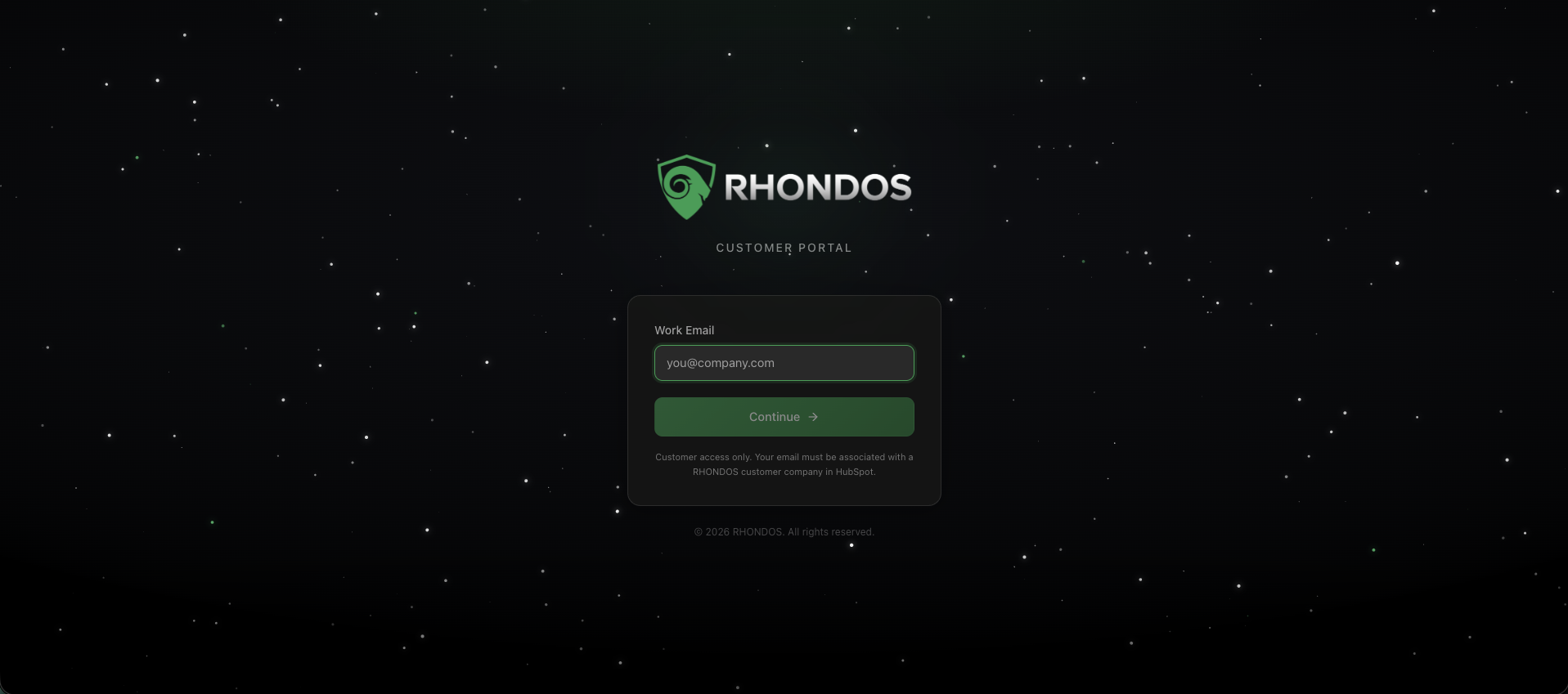
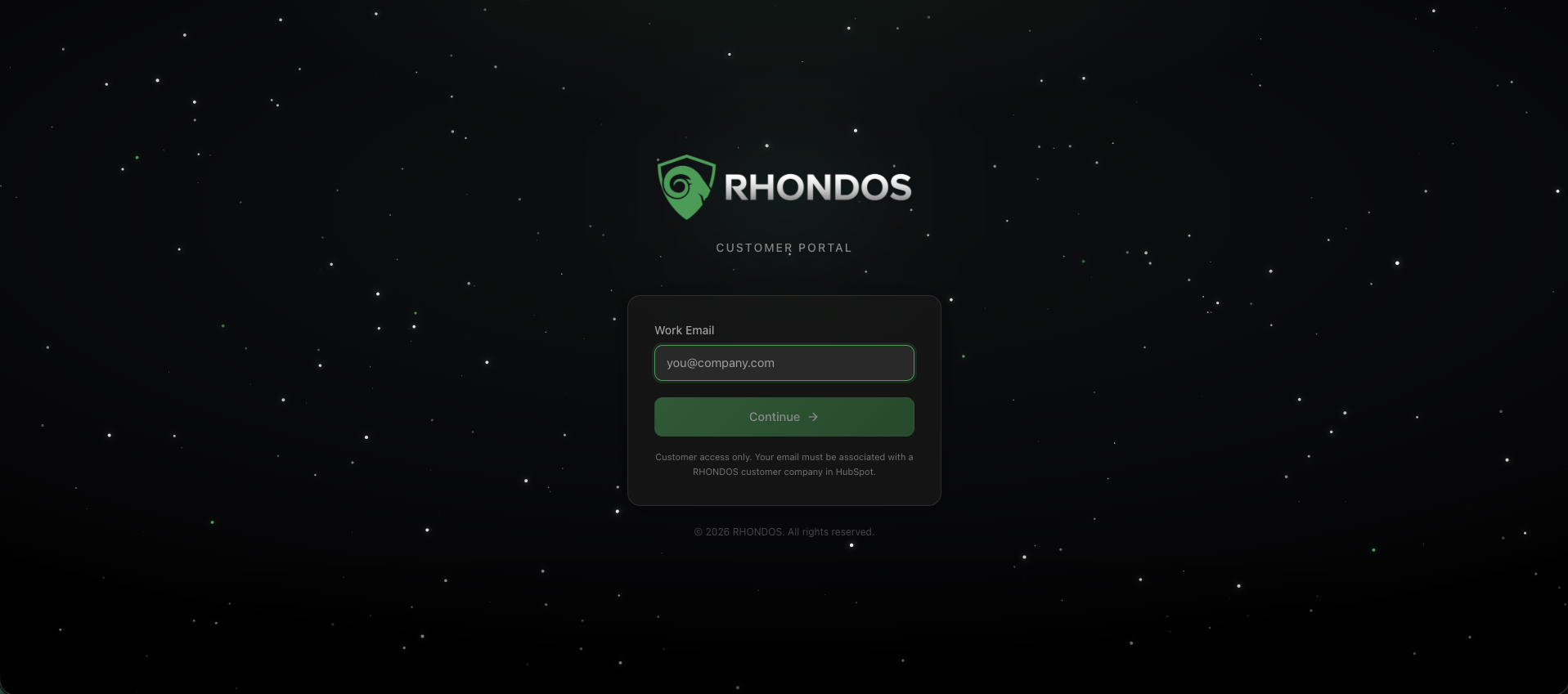
Enter your work email
Type the email address associated with your company in HubSpot and click Continue. Access is limited to contacts of RHONDOS customer companies.
-
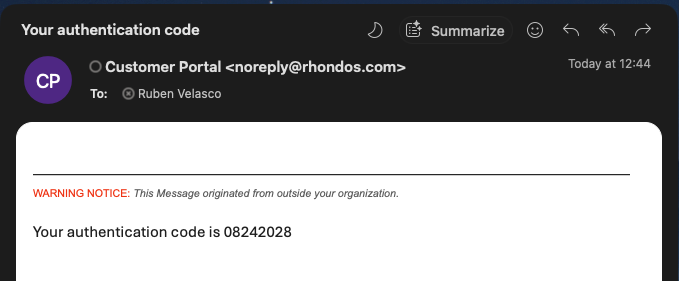
Check your inbox
We send a verification code to that address. It usually arrives within a minute.
-
Enter the code and click Verify & sign in
You are taken straight to the portal home.
If something goes wrong
|
Situation |
What to do |
|---|---|
|
The code has not arrived |
Check your spam folder, then click Resend code |
|
You entered the wrong address |
Click Use a different email and start again |
|
Your email is not recognised, or you still cannot get in |
Write to customersuccess@rhondos.com |