When ever a new license is installed, or if you need to restart the agent it can be stopped using /nwa or via Telnet.
NetWeaver Administrator
Open a browser and navigate to the NetWeaver Administrator page http://<serverhost>:<port>/nwa
Open the Start & Stop Java Applications View

Search for application vendor powerconnect
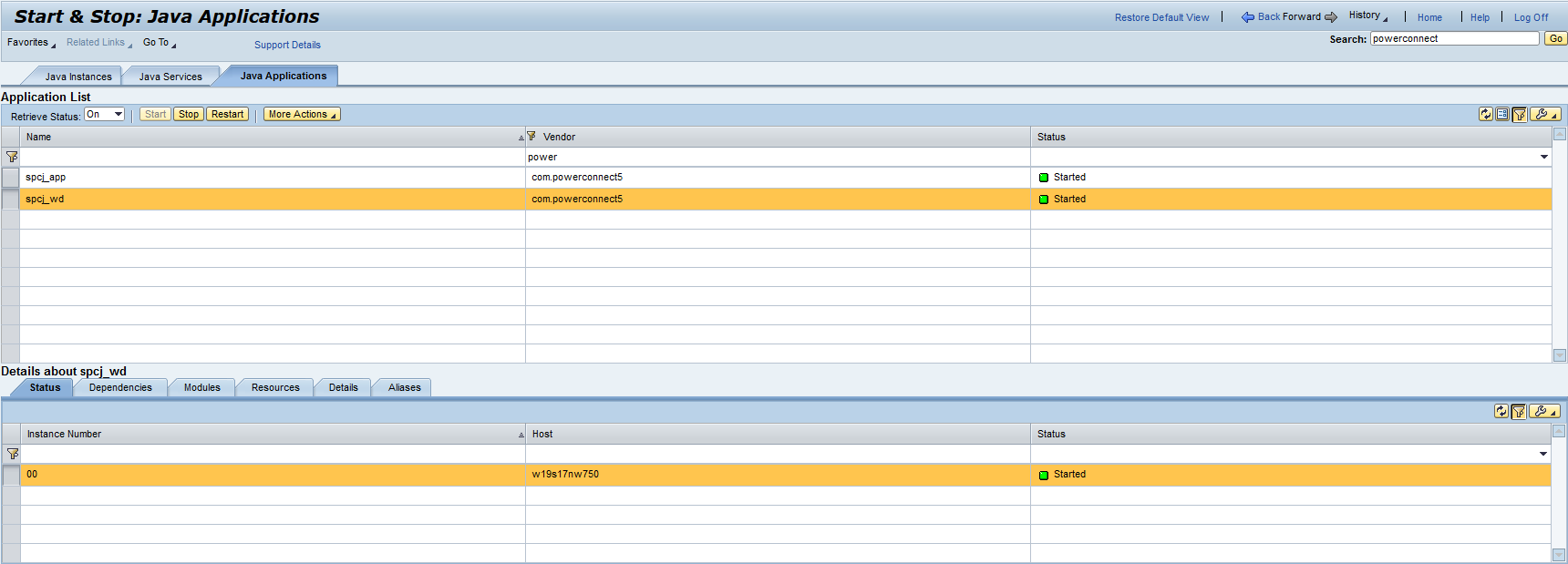
Stop applications in this order
-
spcj_wd
-
spcj_app
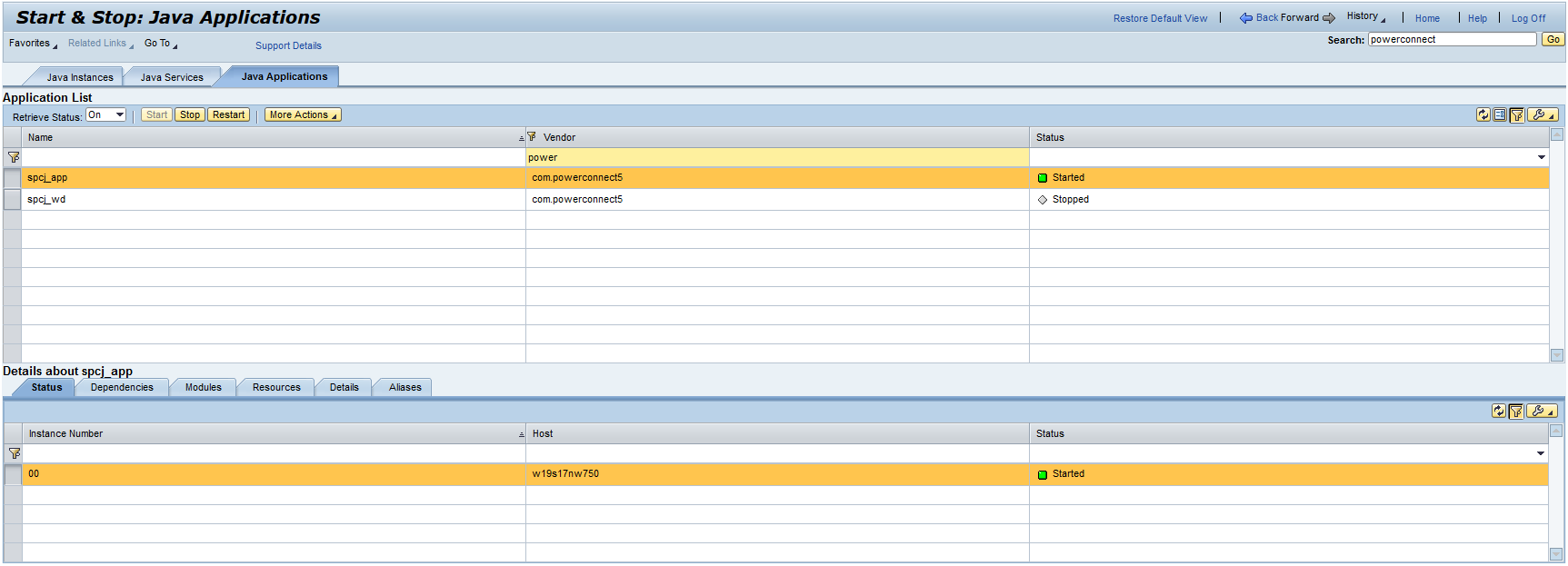
1-2 mins later it will say stopped.
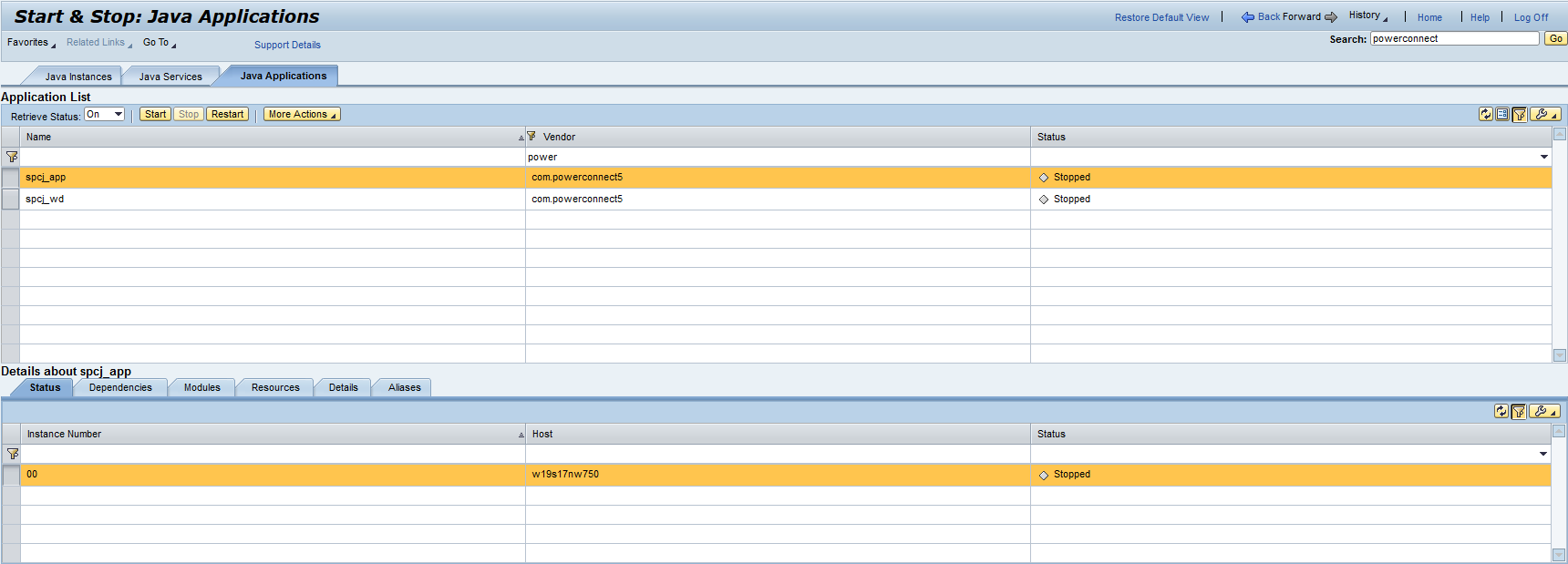
Start the applications in this order
-
spcj_app
-
spcj_wd
Telnet
This provides an alternative way to restart the PowerConnect Java agent.
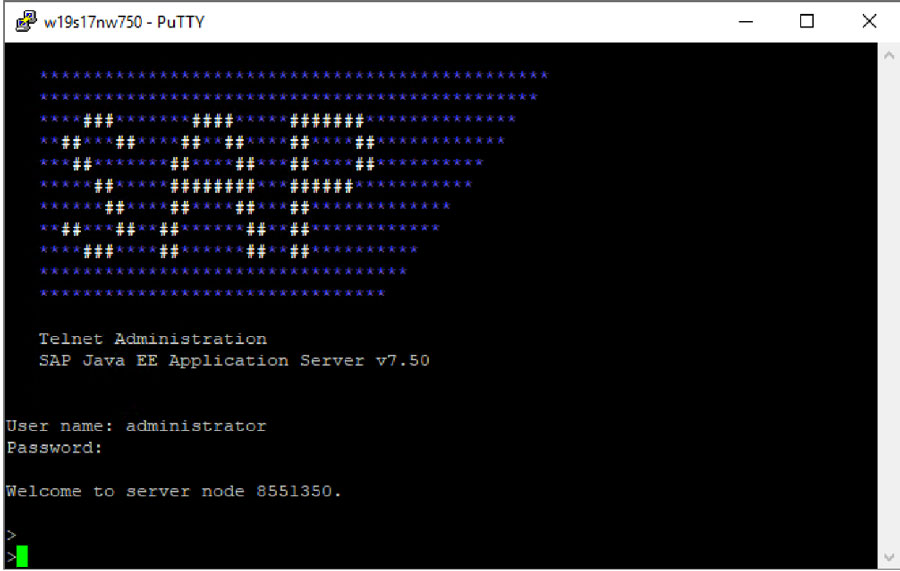
Log in to the J2EE via telnet.
Check the node list
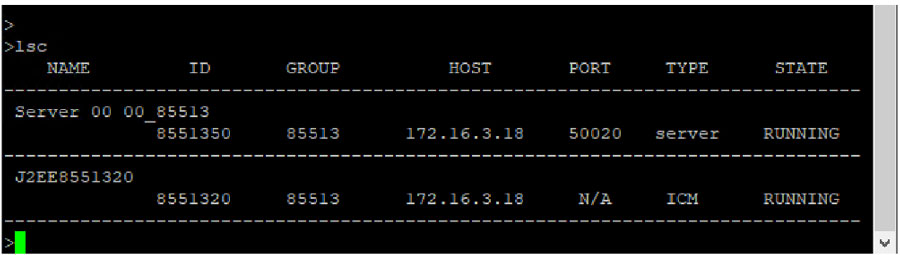
jump <ID of problematic server node>
.png?cb=a62ce18f082ad9466057ca85302c4b2c)
Using following command to display the applications
To get the status of a PowerConnect application
list_app|grep -i power

To get all references for this application
app_refs_graph <app_name>
.png?cb=6bf7de3b5ed4b67a70fda8e40f0dabfe)
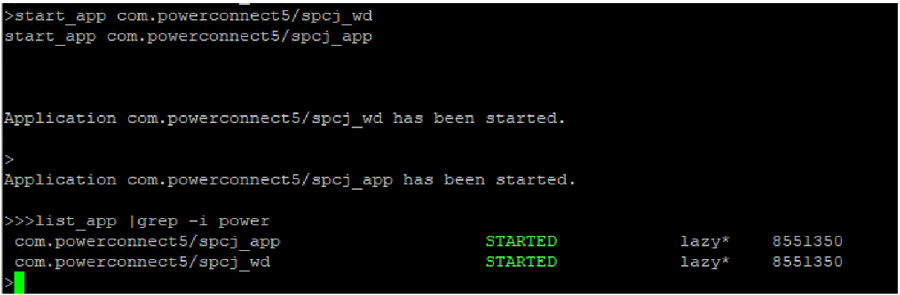
Then you may start or stop instance with following command, stop and start in the order shown below.
stop_app com.powerconnect5/spcj_wd
stop_app com.powerconnect5/spcj_app

Start is again with start_app command
start_app com.powerconnect5/spcj_wd
start_app com.powerconnect5/spcj_app