

In case you need to uninstall your PowerConnect Java Application, you need to know that this is possible using a Telnet connection. So please ensure having a Telnet client and the ability to actually open a connection with it. Then follow these steps:
-
Logon the local system
-
Start Telnet Client
-
Connect to localhost or 127.0.0.1 using port 50008
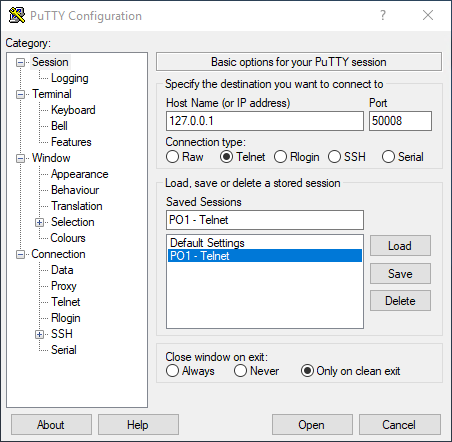
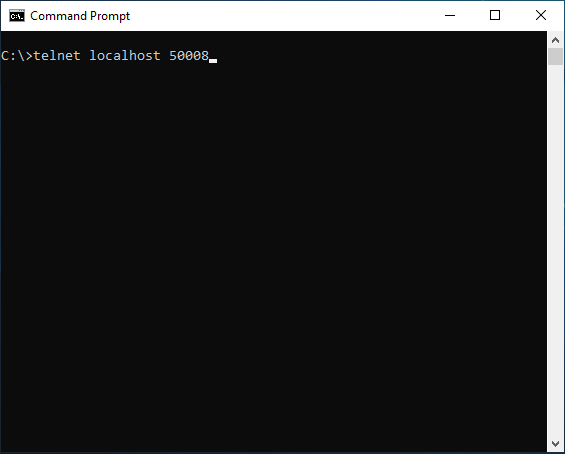
-
Login using a user account with undeploy permissions. This could be administrator.
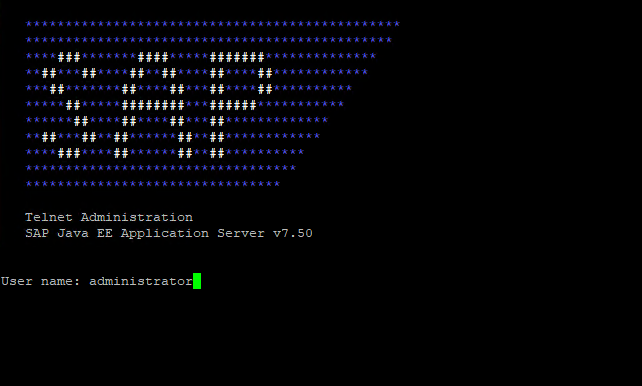
-
Remove the PowerConnect Java App by issuing three undeploy commands. Please use the correct order!
-
Undeploy the SAP PowerConnect Java UI using the command “
undeploy vendor=com.powerconnect5 name=spcj_wd”
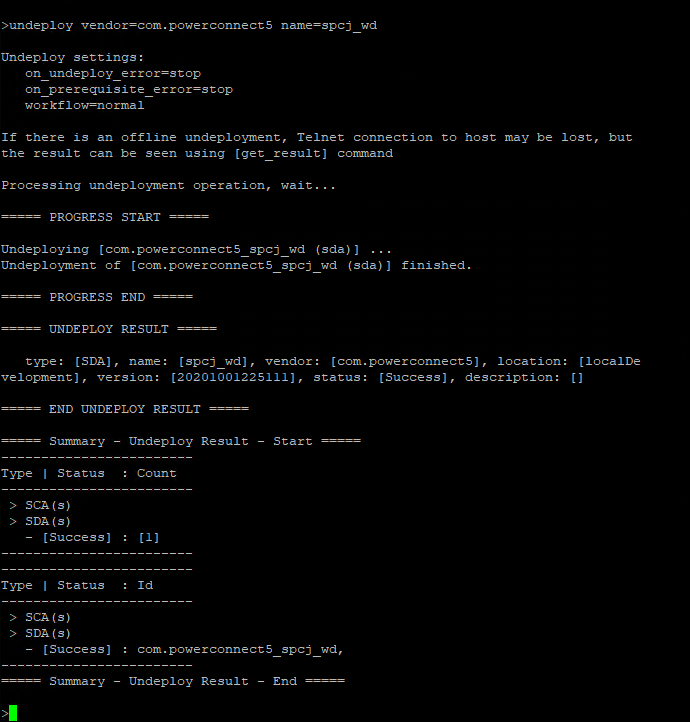
-
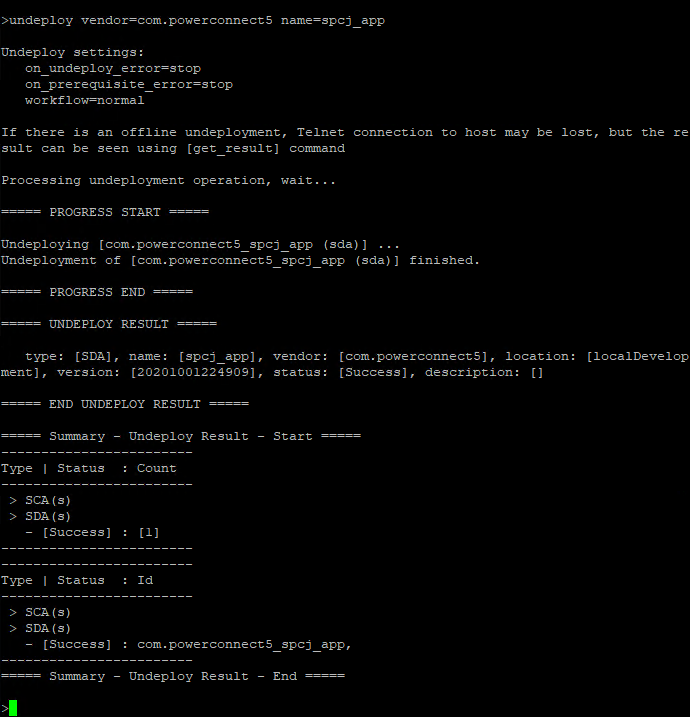
Undeploy the SAP PowerConnect Java App using the command “
undeploy vendor=com.powerconnect5 name=spcj_app”
-
Undeploy the SAP PowerConnect database contents using the command “
undeploy vendor=com.powerconnect5 name=spcj_db”
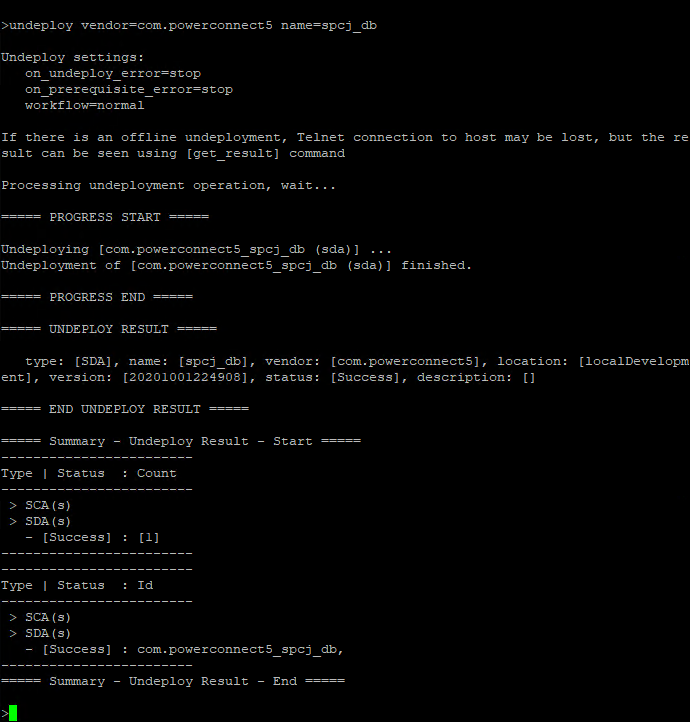
After that PowerConnect is fully removed from your SAP NetWeaver AS Java instance.