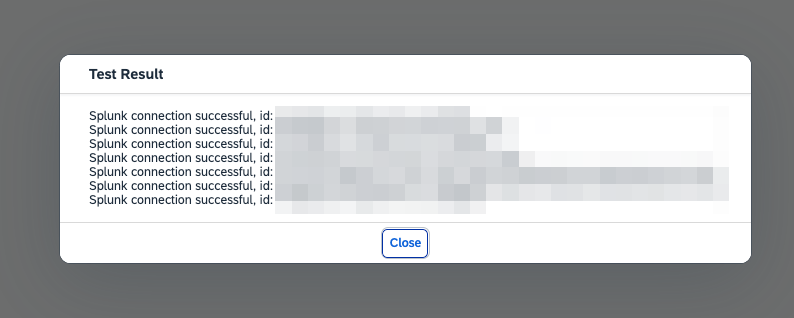
To create a connection to the Splunk Http Event Collector do the following:
-
Open the PowerConnect Java UI - http(s)://<sap-java-host>:<port>/powerconnect-java/index.html
-
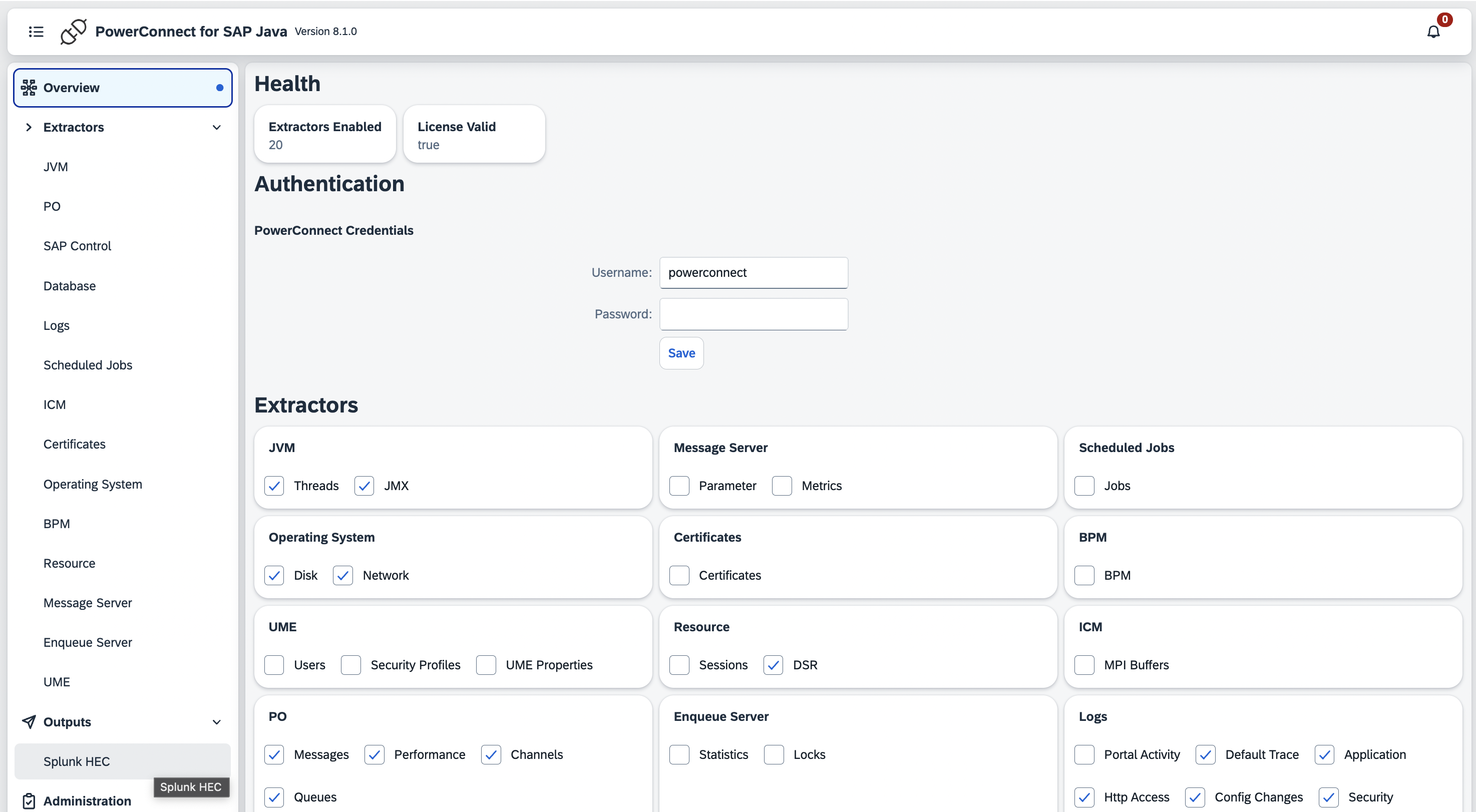
On the menu on the left click Splunk HEC under Outputs
-
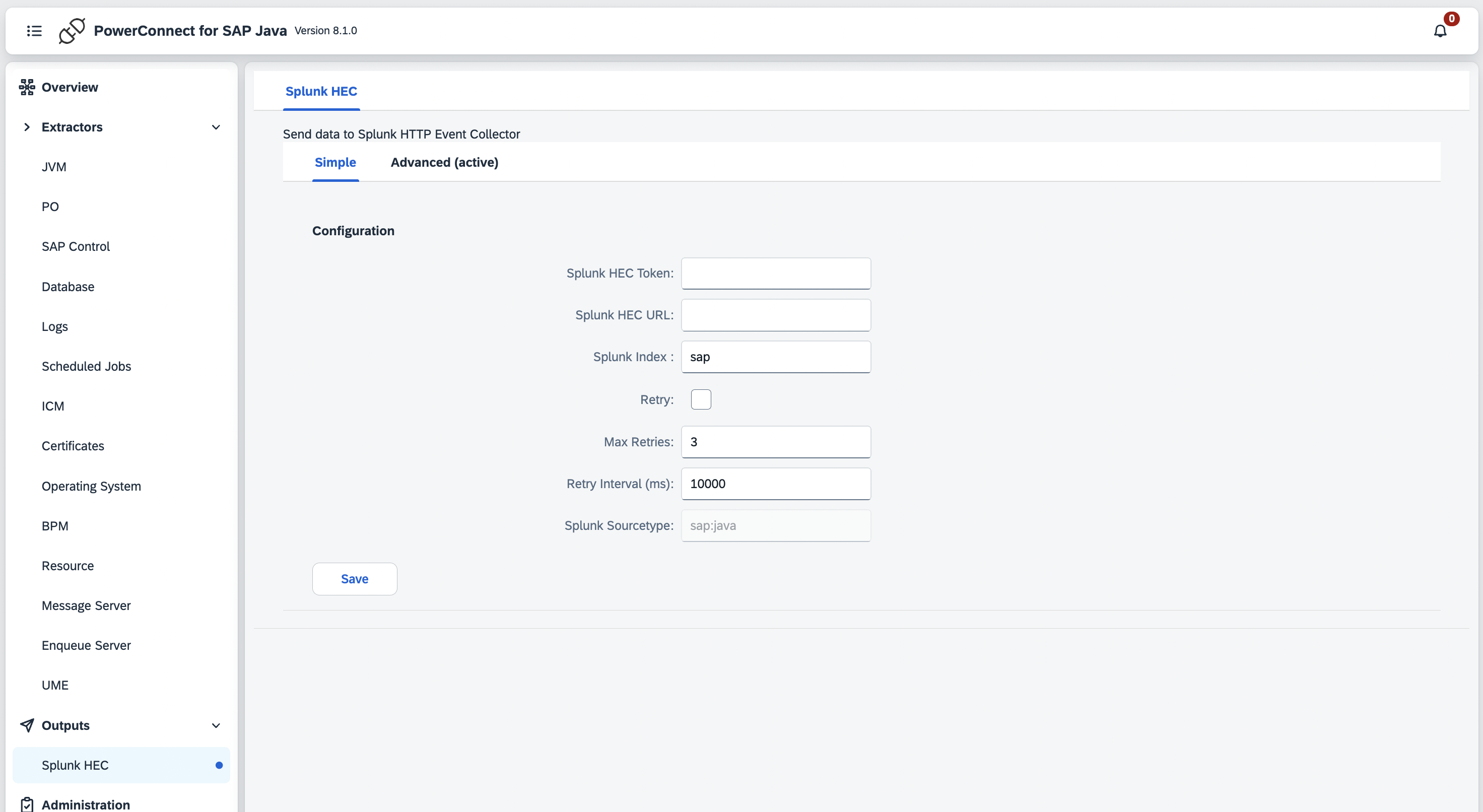
Fill in the details of your Splunk HEC endpoint:
|
Configuration |
Description |
Required |
Default Value |
Comments |
|---|---|---|---|---|
|
Splunk HEC Token |
Splunk HEC token |
Yes |
|
|
|
Splunk HEC url |
Splunk HEC url of Splunk Cloud or a Splunk Heavy Forwarder |
Yes |
|
|
|
Splunk Index |
Index to store the SAP Java data |
Yes |
sap |
|
|
Retry |
Retry sending data if the Splunk HEC endpoint is down |
No |
No |
|
|
Max Retries |
If retries are enabled defines how many times the Agent will retry before giving up |
No |
3 |
|
|
Retry Interval |
Time in milliseconds the Agent will wait between retries |
No |
10000 |
|
|
Splunk Sourcetype |
The sourcetype of the data |
No |
sap:java |
Cannot be changed |
-
Click Save
-
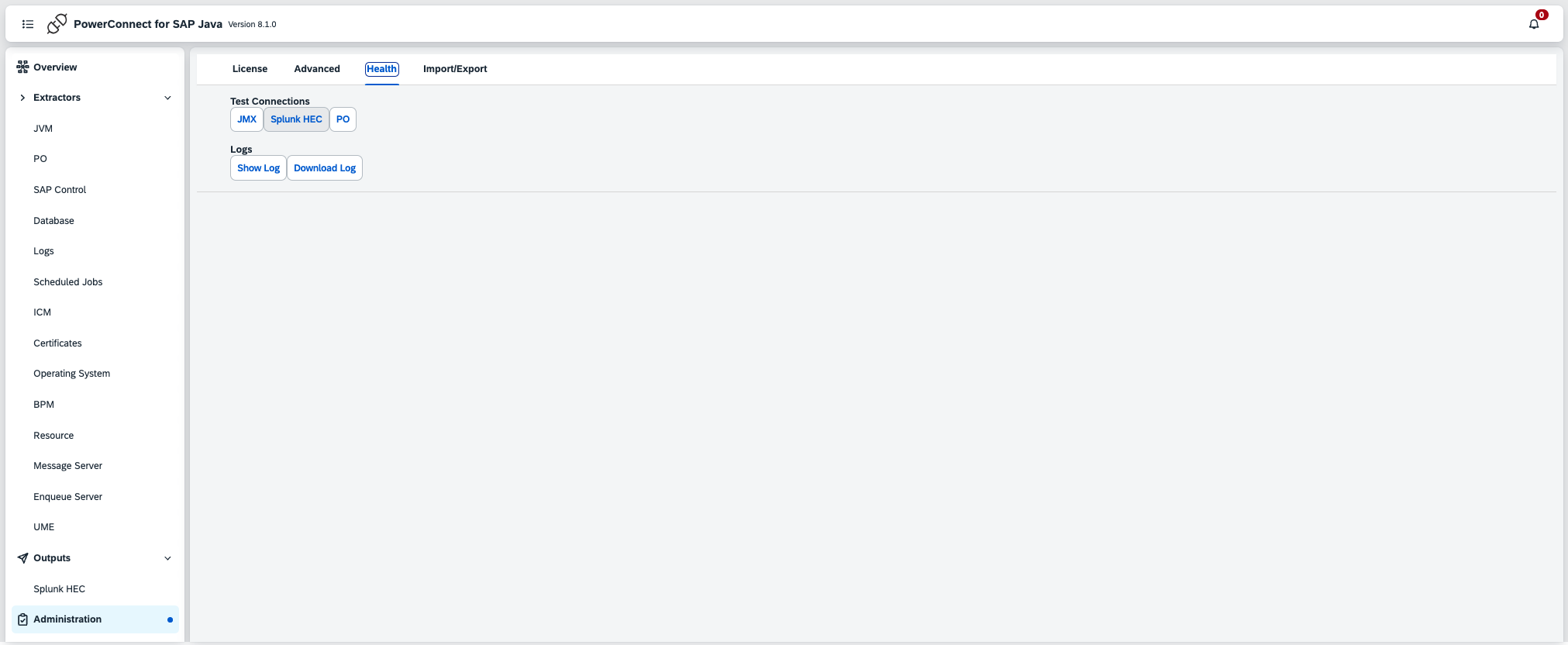
To test the connection click Administration in the menu on the left then click the Health tab
-
Click the Splunk HEC button and a message will be displayed showing the result