

Last step in app configuration is to create a corresponding user.
-
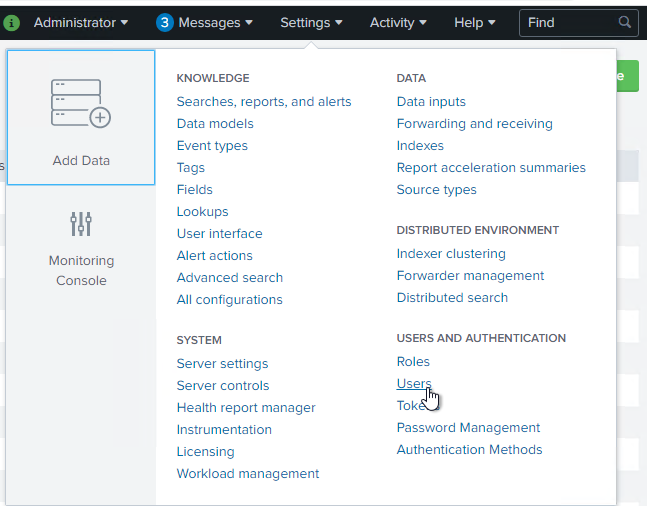
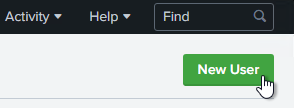
In Splunk settings please select “Users” and create a new user by clicking o the corresponding button.
-
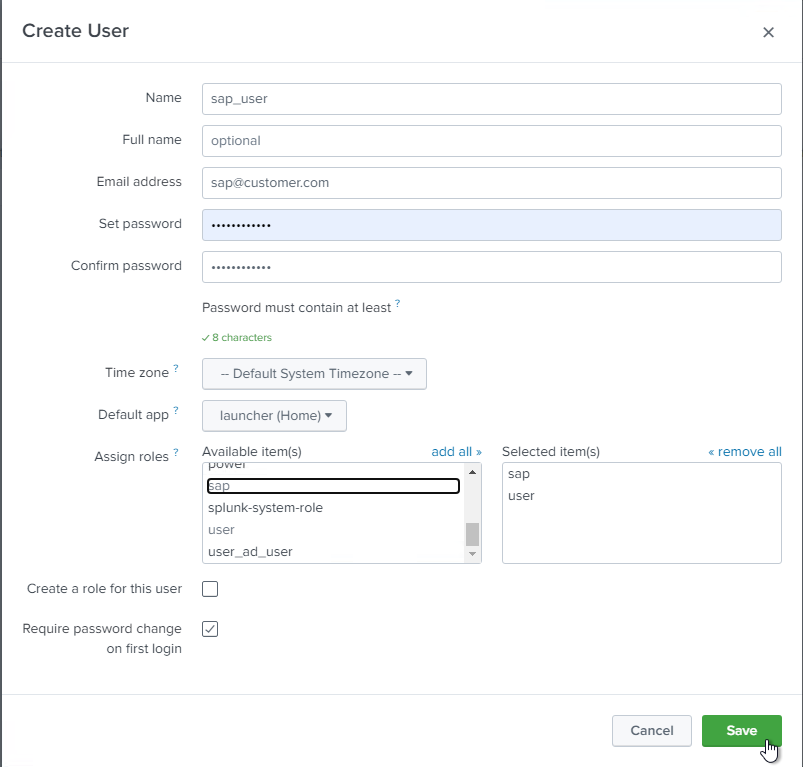
Provide a user name and a password.
-
Assign the role created before, as well as the role “user”.
-
“Save” the new user.
As the next step; you can continue with installing the PowerConnect program in PowerConnect ABAP Installation Guide (PowerConnect ABAP 9.X) or SAP AS Java.
Once the SAP part is done, kindly proceed with the App Setup Page and Post Installation Configuration.