Data Description
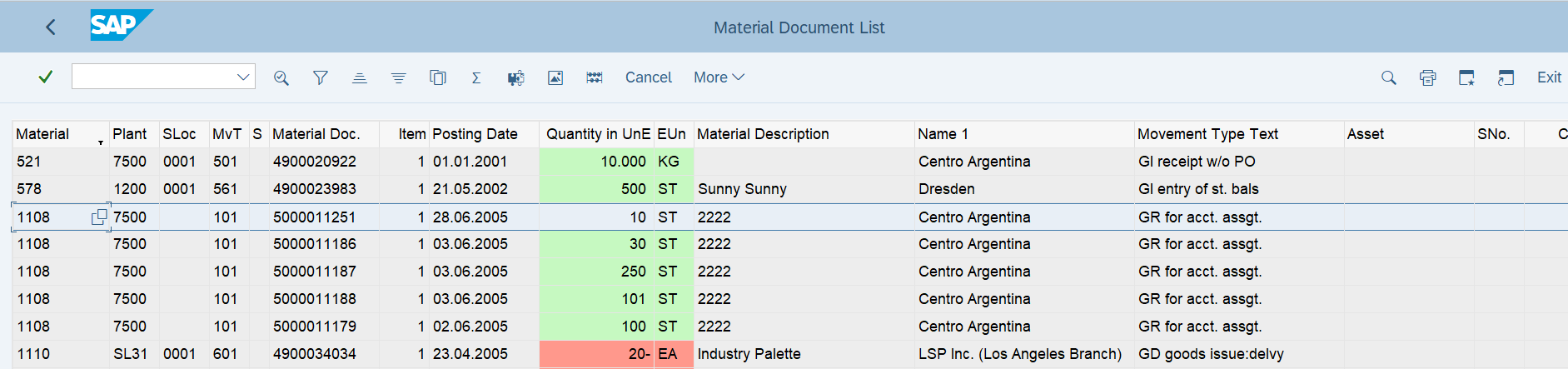
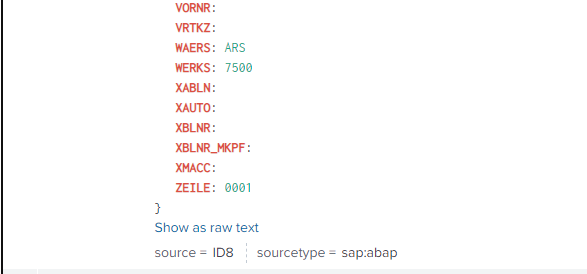
The MB51 event is used to extract a list of material documents to view information about related transactions, such as goods movements.
Potential Use Cases
This event could be used in the following scenarios:
-
To view Material document information related to transactions, goods movements, etc.
-
Determine Material Documents trends over time as well as against various attributes like Cost Centers, Amount, Customers, etc
-
Can be used to analyze both the Archive Material Documents as well as current Material Documents
Metric Filters
To extract Material Documents, a user must configure document selection parameters/conditions using the filter functionality. Only the active configurations are considered. The following steps need to be performed to set up the Filter configuration:
-
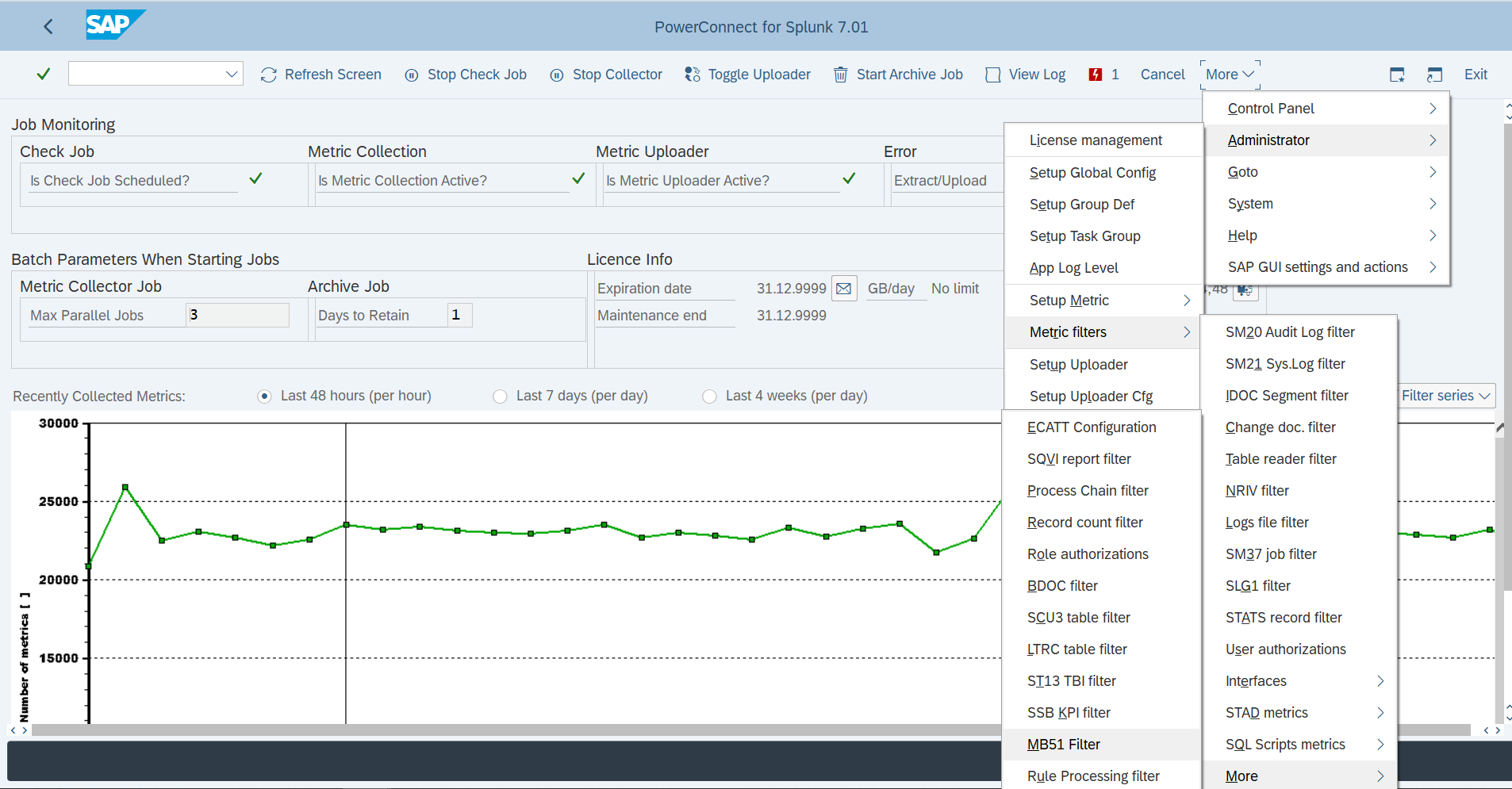
Open MB51 filter using menu option below (Administrator->Metric filters->More->MB51 Filter)
-
Maintain the technical id of the SSB KPI with active status for which details need to be extracted.
-

Check on Posting Date, sets the Posting Date a day before data extraction date otherwise the posting date will be a day after the last execution date.
Splunk Event
SAP Navigation
In SAP, Material Documents can be displayed using transaction MB51 and by selecting the Flat List Radio button on the selection screen.