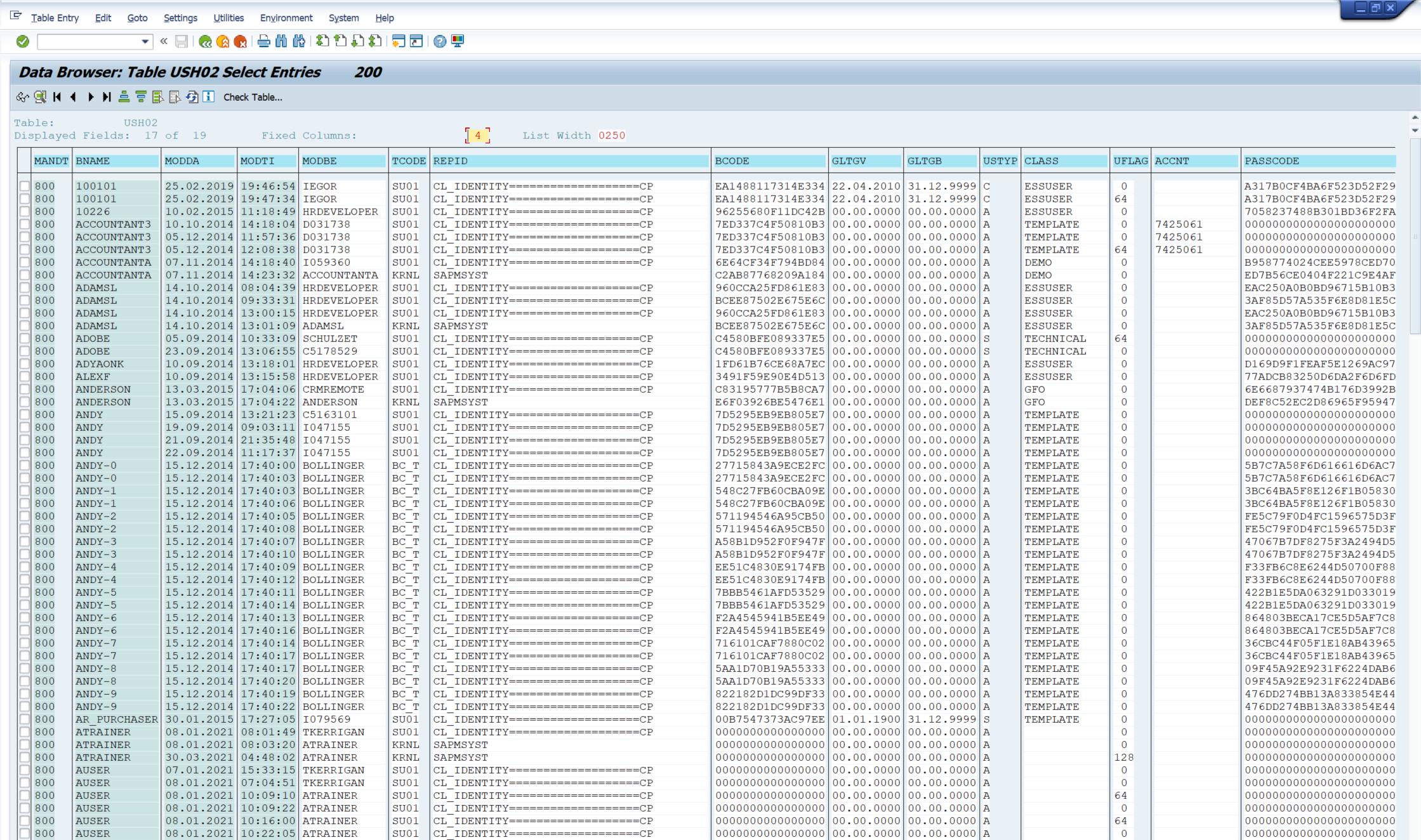
Data Description
The USH02 event is used in SAP to view change history for log-on data.
Potential Use Cases
This event could be used for the following scenarios:
-
Determine if user passwords are set to the initial value.
-
Understand modification to user accounts.
-
Correlate the data with other system activity to identify potential security threats.
-
Determine how user accounts are being modified.
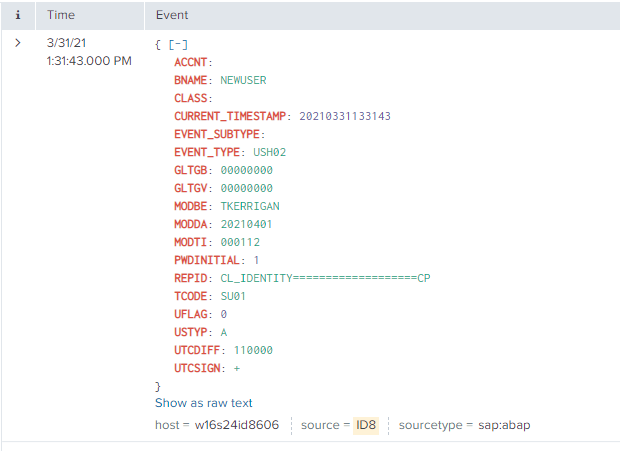
Splunk Event
The event will look like this in Splunk:
SAP Navigation
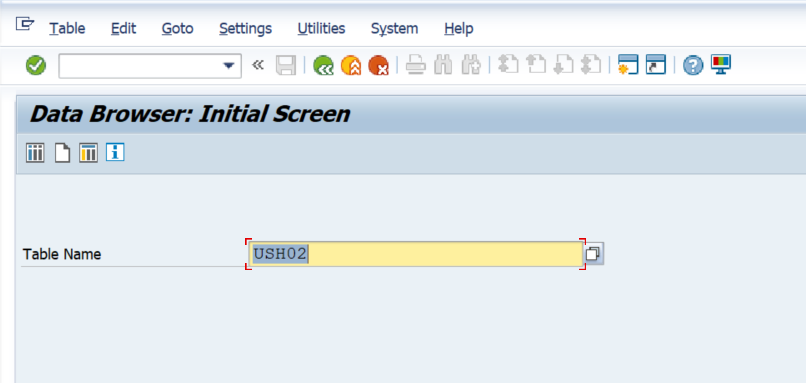
Navigate to this data by using the SE16 transaction code. Then enter USH02 in the Table Name field and hit the Enter key on your keyboard.
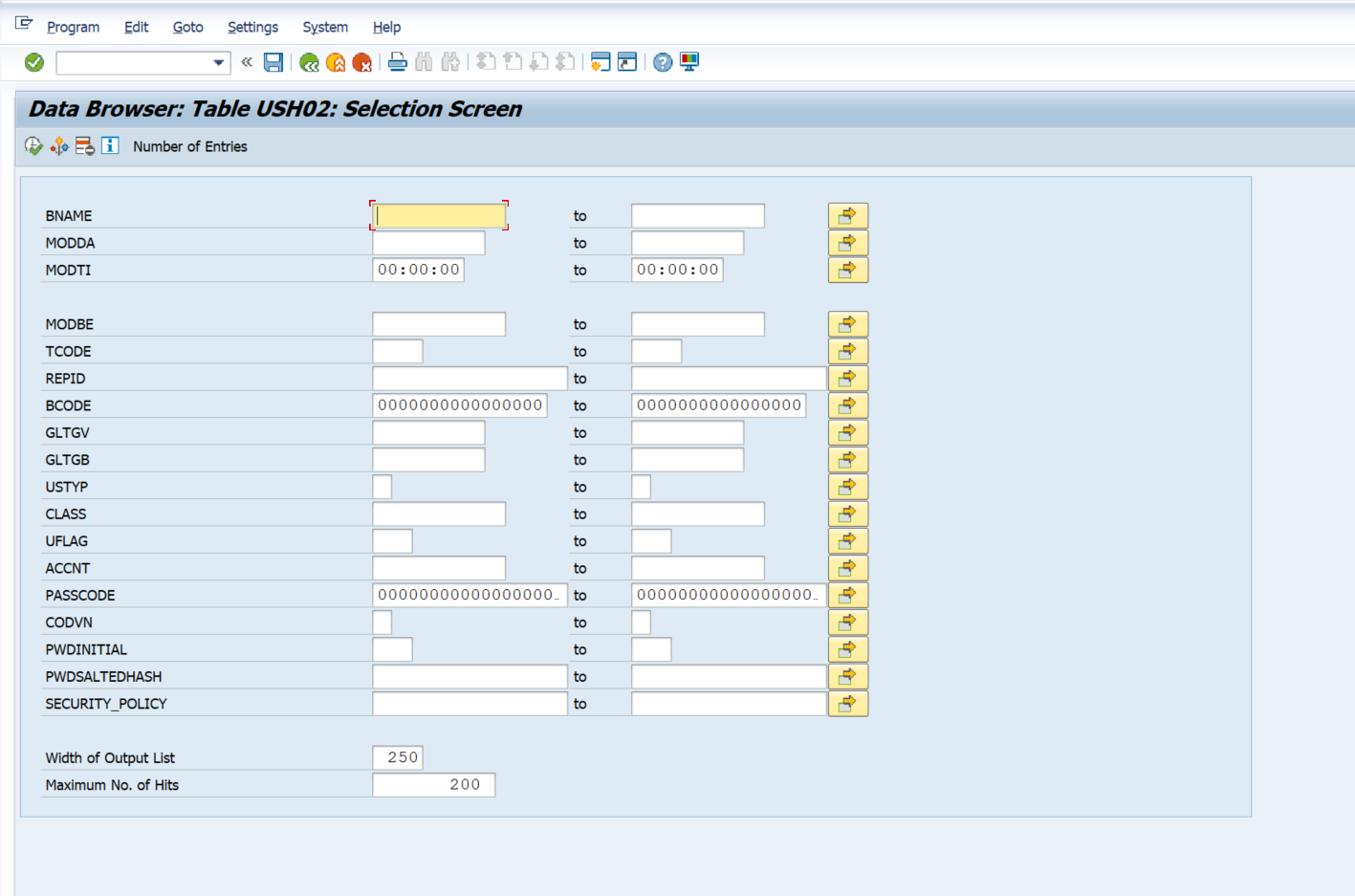
Then enter the desired selection parameters, and the Execute button.
The data displayed below will match with what you see in Splunk.