

Data Description
STMS events provide a visibility to import queue, transport import/export statuses and logs.
Potential Use Cases
This event could be used in the following scenarios:
-
Dashboard displaying transports that were recently imported into the system.
-
Correlate system changes with performance or security concerns.
-
Create alerts on transport errors.
-
Correlate transports with their associated tasks in environment.
-
Review transport import errors/logs.
-
Dashboard displaying import queue.
Splunk Event
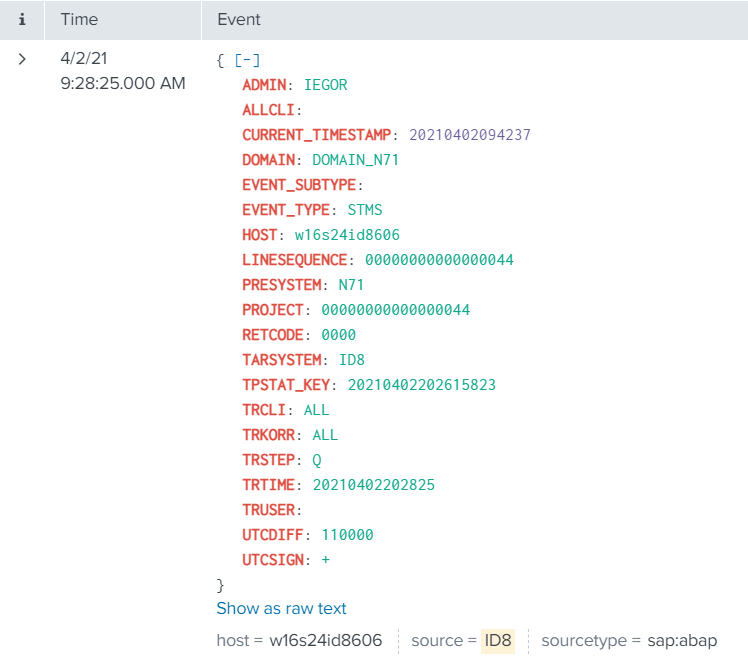
STMS with EVENT_SUBTYPE=””
The event will look like this in Splunk:
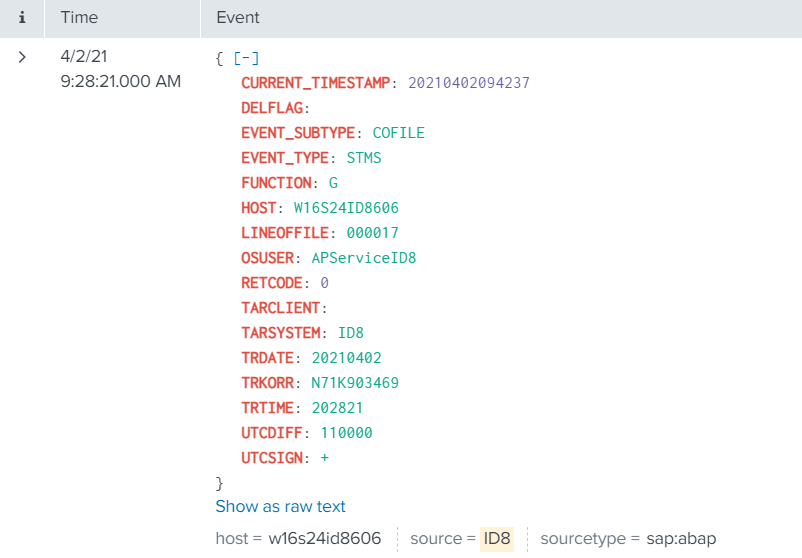
STMS with EVENT_SUBTYPE=”COFILE”
The event will look like this in Splunk:
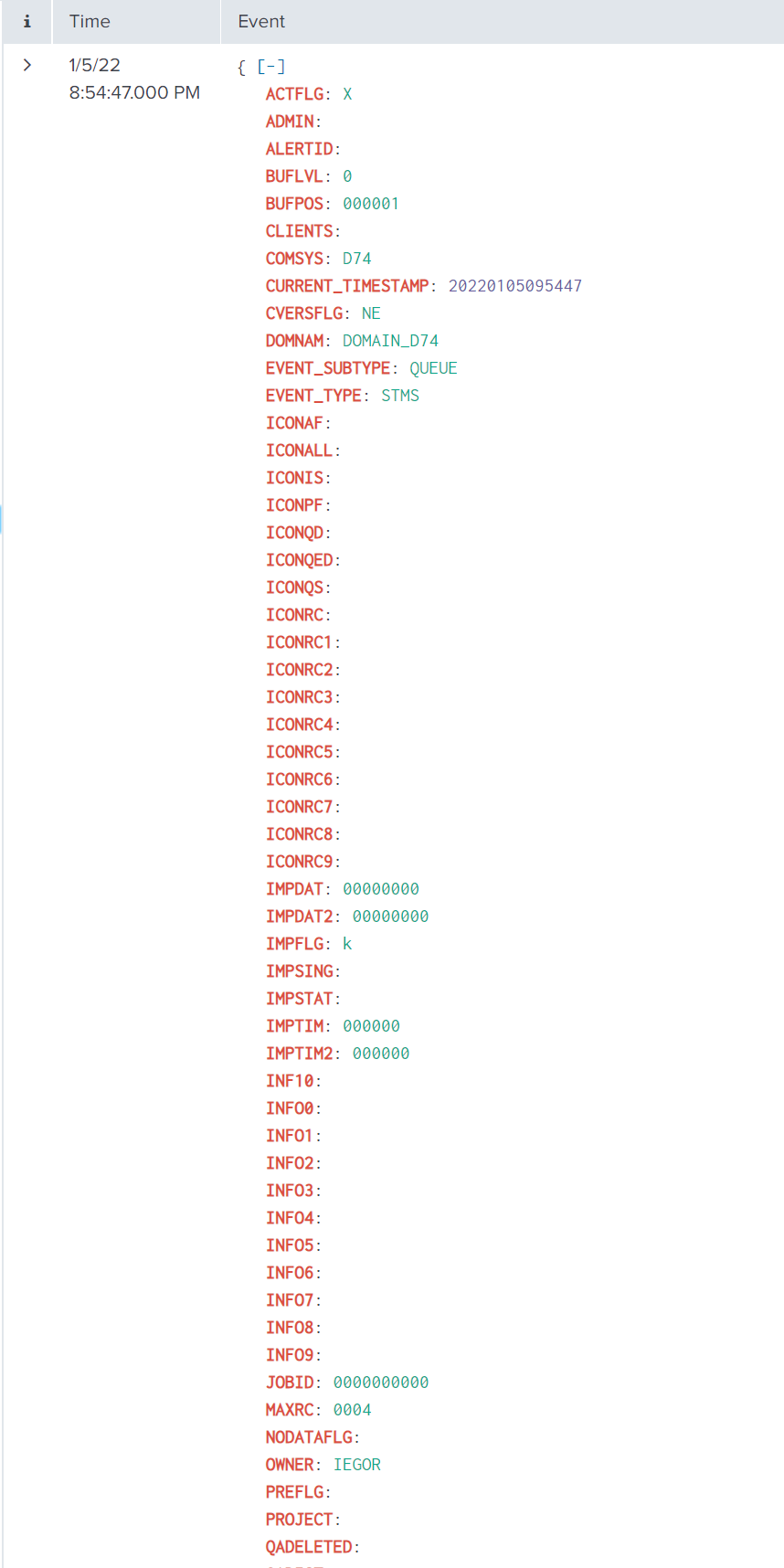
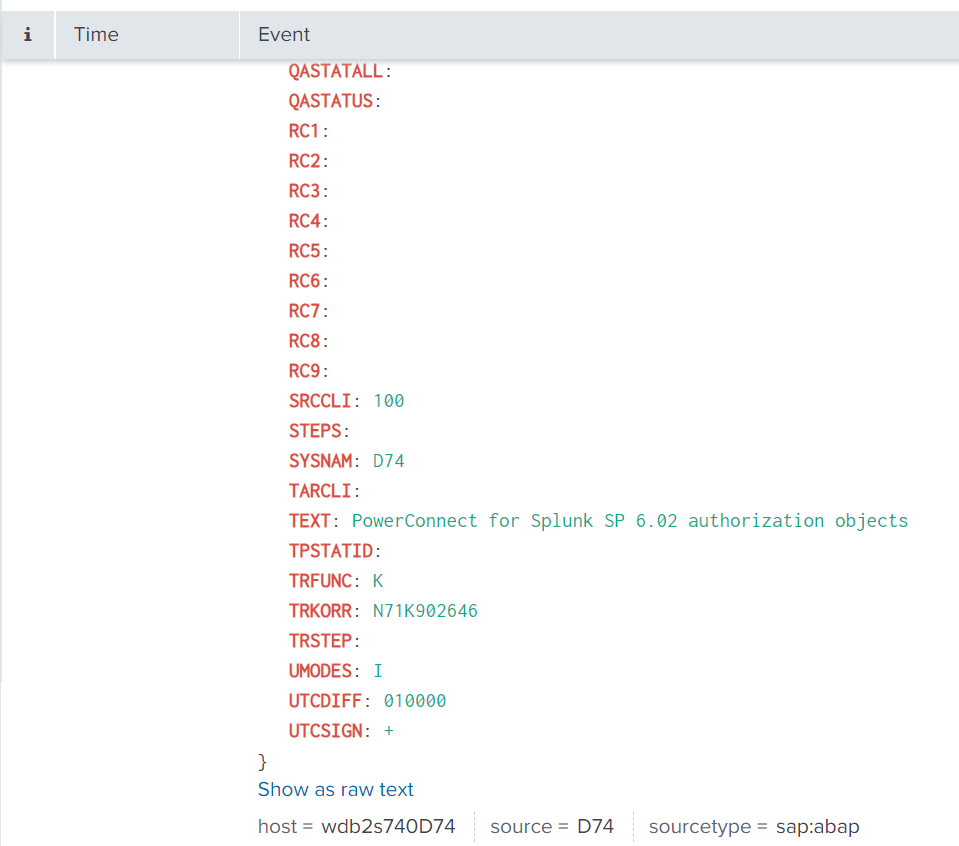
STMS with EVENT_SUBTYPE=”QUEUE”
The event will look like this in Splunk:
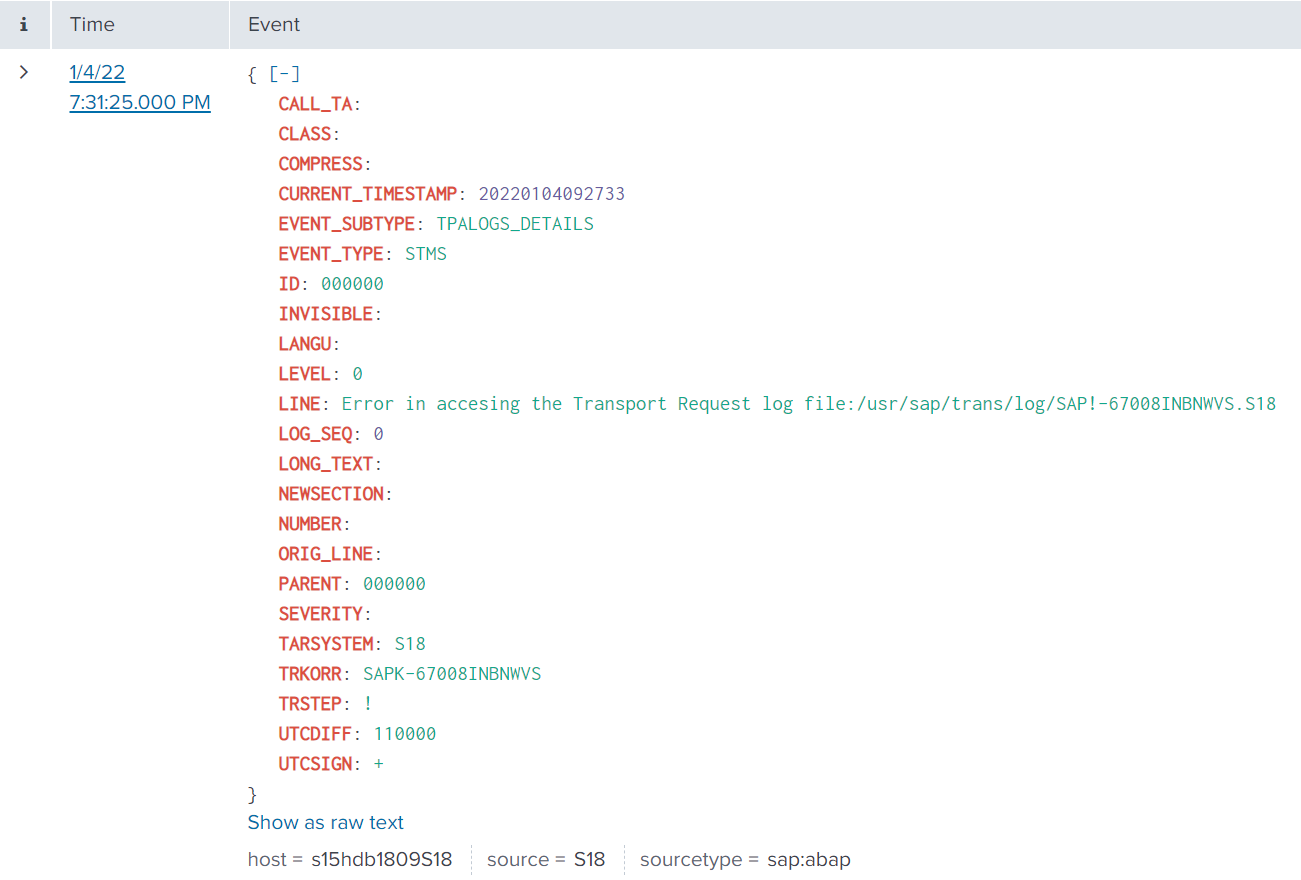
STMS with EVENT_SUBTYPE=”TPALOGS_DETAILS”
The event will look like this in Splunk:
SAP Navigation
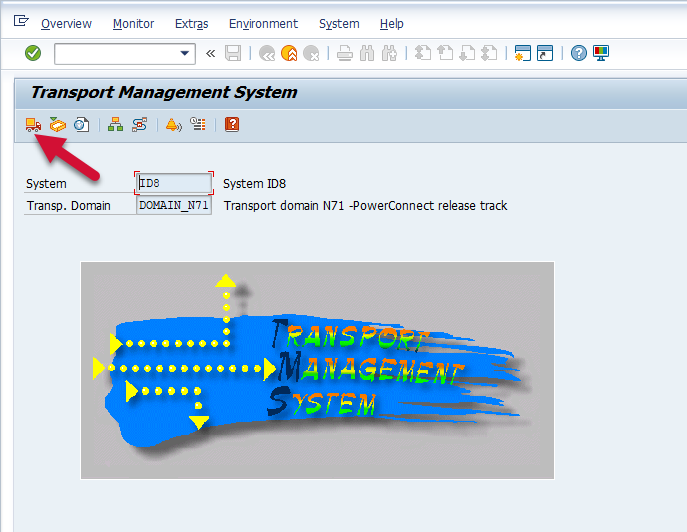
Log into the managed system, and execute the STMS transaction code. Then select the Import Overview icon.
Then double-click the desired system that you would like to view.
