KB 125 (ABAP) - Change Splunk connection settings
|
Category: Information |
Priority: Normal |
|---|---|
|
Platform: ABAP |
Version: 1 from 13.09.2021 |
Description
The following steps should be used to change Splunk connection settings:
-
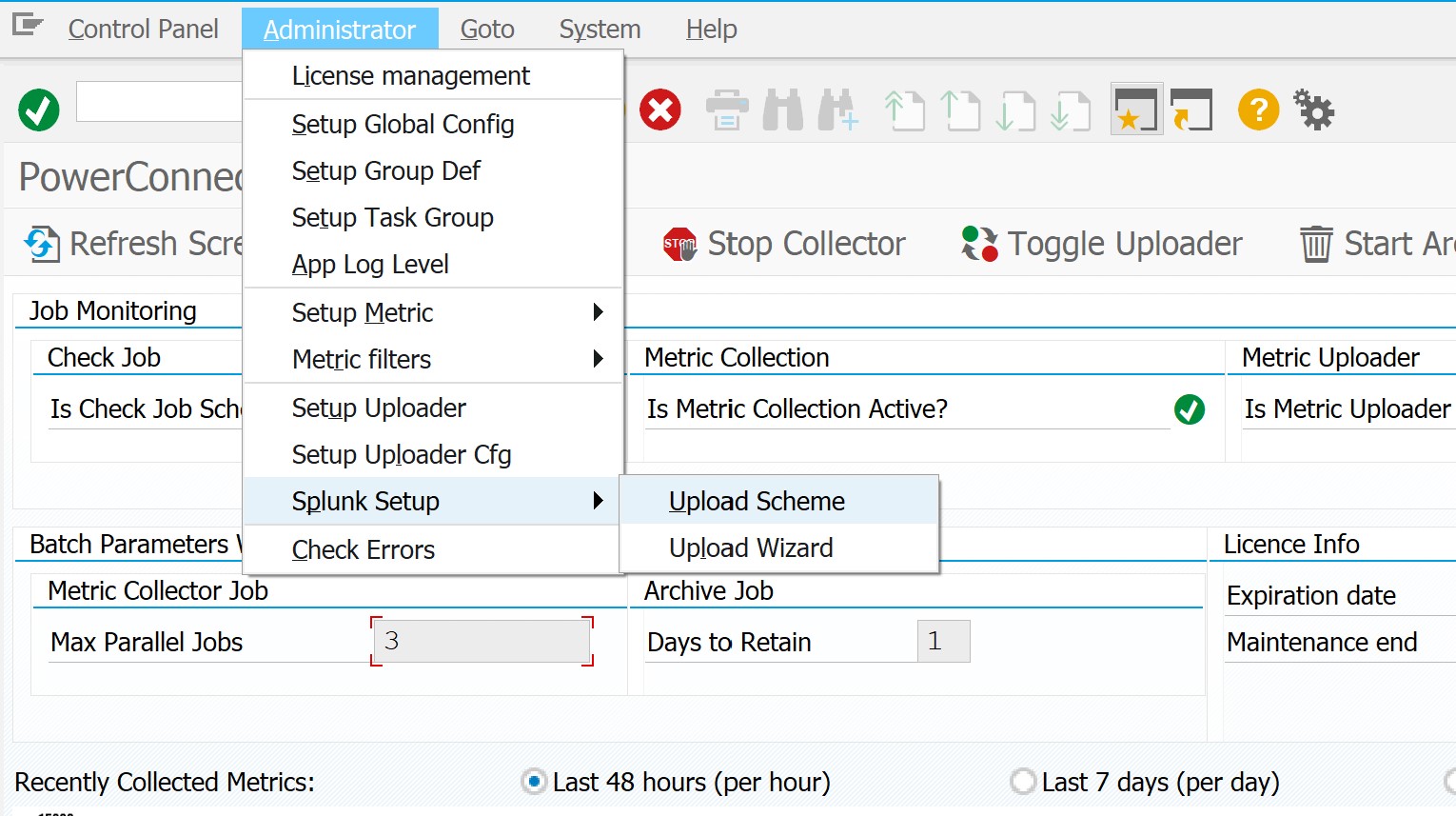
Log into the system where the PowerConnect application was installed, and execute the /n/bnwvs/main transaction. Then go to Administrator → Splunk Setup → Upload Scheme:
-
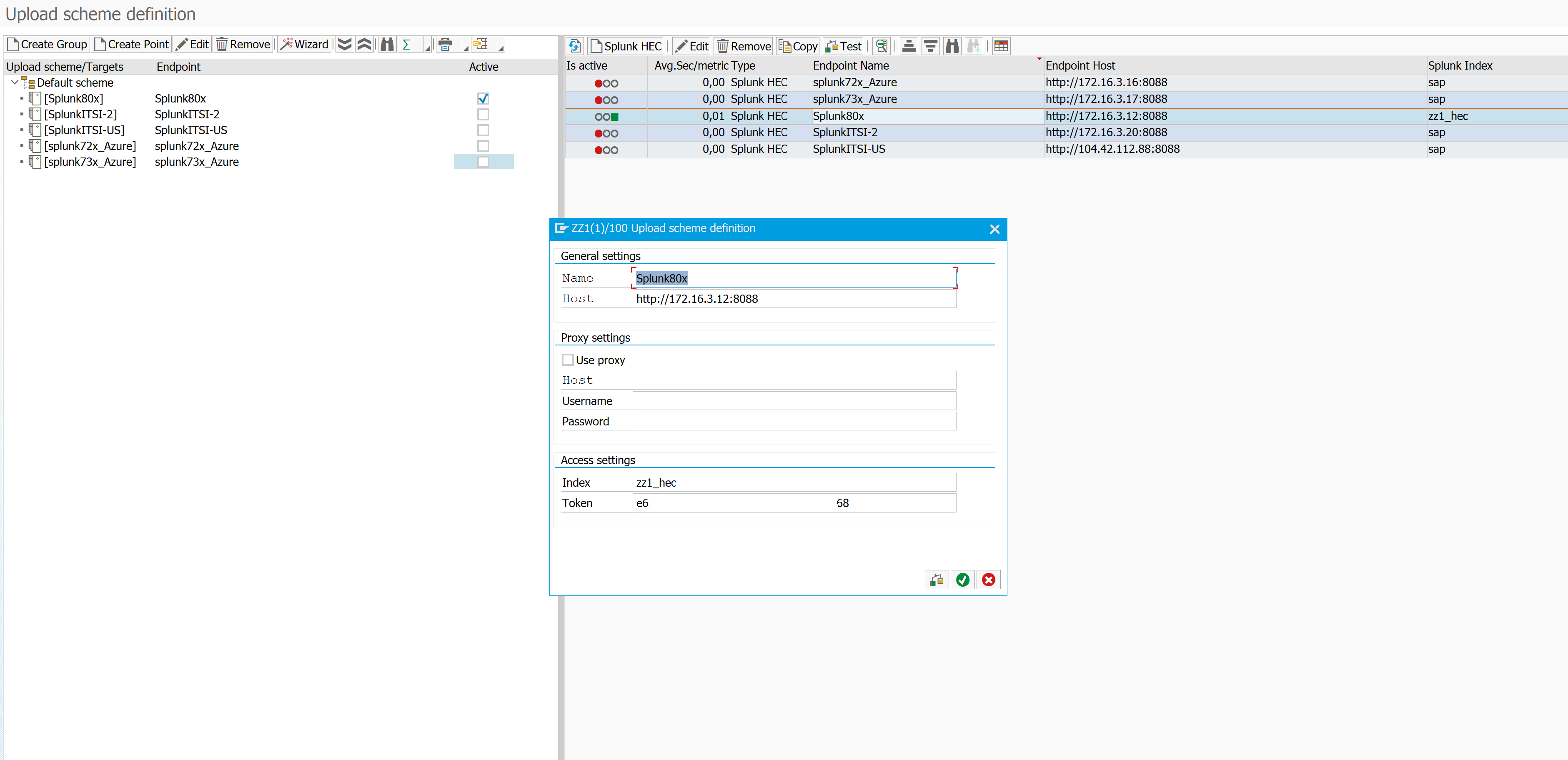
Select necessary endpoint on the right side of the screen and click ‘Edit’ button on the toolbar (double-click will do the same):
-
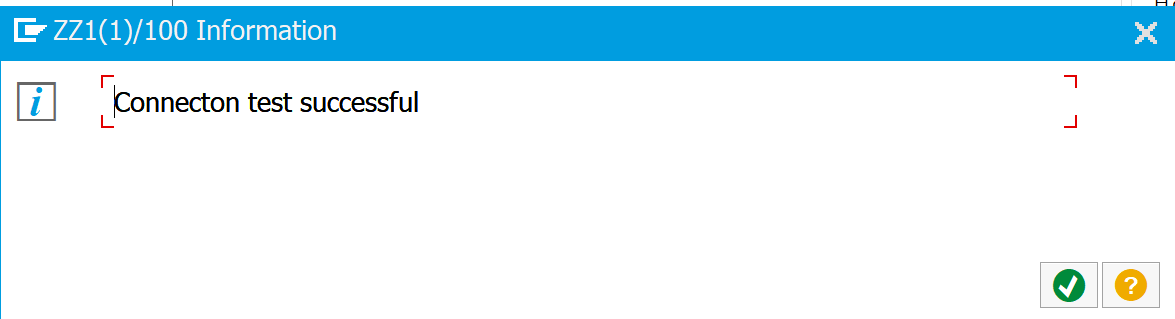
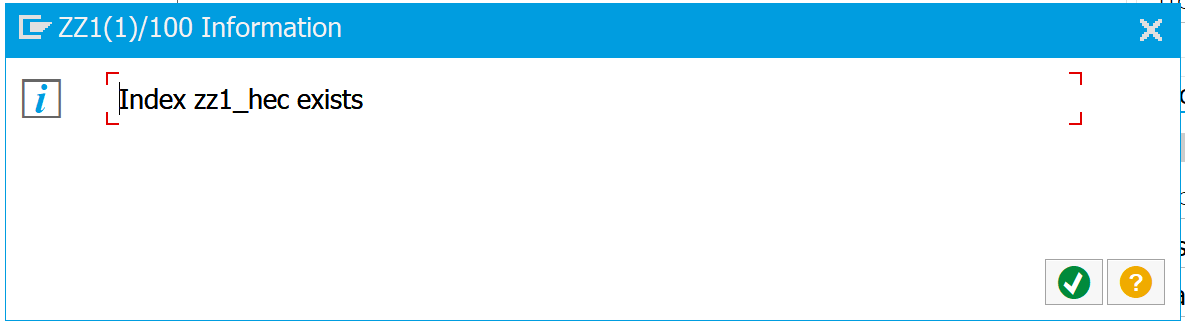
After the configuration change, click ‘Check’ button to verify the settings. If if the connection is valid, following dialog boxes will be shown:
-
Confirm the dialog.
-
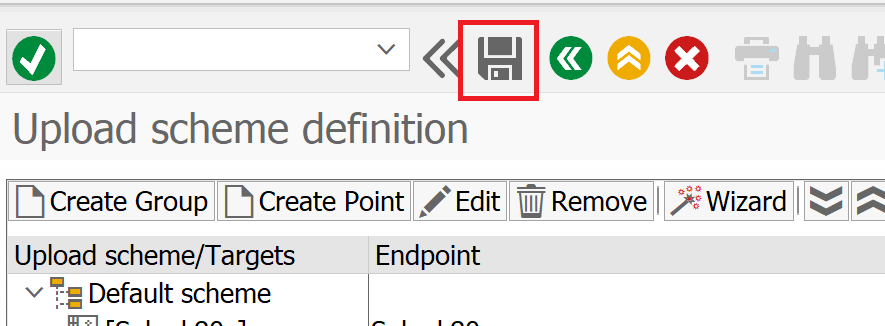
Save changes using ‘Save’ button and exit.
-
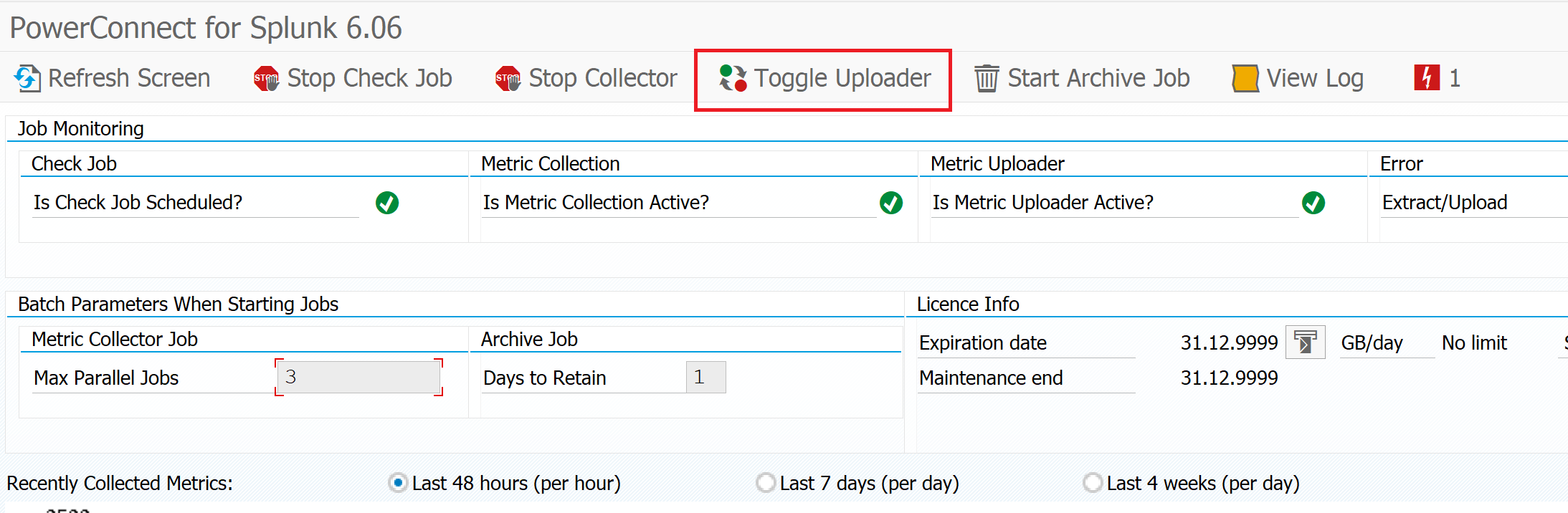
Restart Uploader job using ‘Toggle uploader’ button to apply changes.