KB 154 (ABAP): Perform Splunk Endpoint Connection Test for PowerConnect ABAP
|
Category: Information |
Priority: Normal |
|---|---|
|
Platform: ABAP |
Version: 1 from 23.03.2021 |
Description
To perform a Splunk end point connection test after installation please perform the following steps:
-
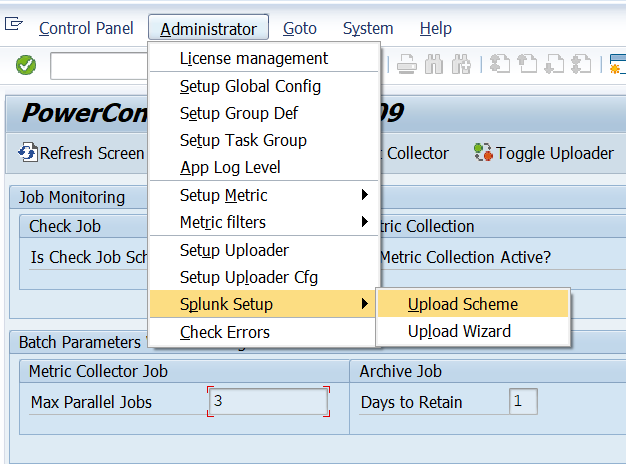
Log into the SAP system in the client in which the PowerConnect application was installed. Execute the /n/bnwvs/main transaction, and go to Administrator → Splunk Setup → Upload Scheme
-
Click on the endpoint you would like to test on the right half of the screen, and then click on the “Test” button

-
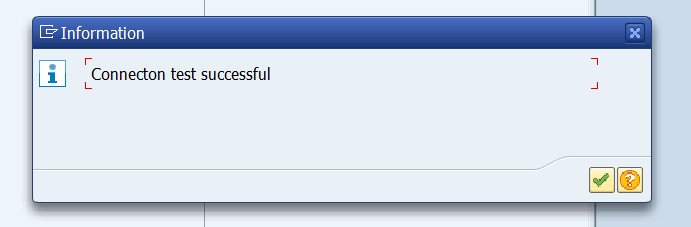
The connection test result should read “Connection test successful”. If it doesn’t please perform additional troubleshooting.