

KB 80 (Hybris): Hybris Installation
|
Category: Information |
Priority: Normal |
|---|---|
|
Platform: Hybris (NW) |
Version: 1 from 23.03.2021 |
Description
To complete the installation of the PowerConnect Netweaver Hybris agent complete the following steps:
-
Place the sap_powerconnect_java.war file in the Hybris installation directory: <HYBRIS Installation Directory>\hybris\bin\platform\tomcat\webapps
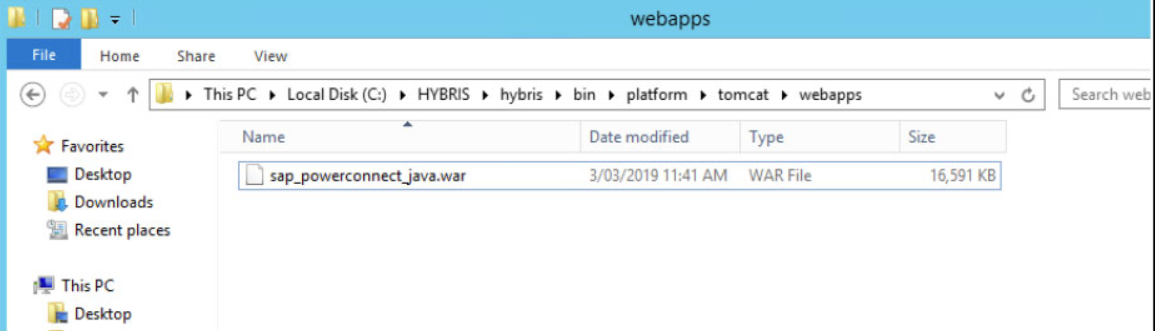
-
Restart the Hybris Server
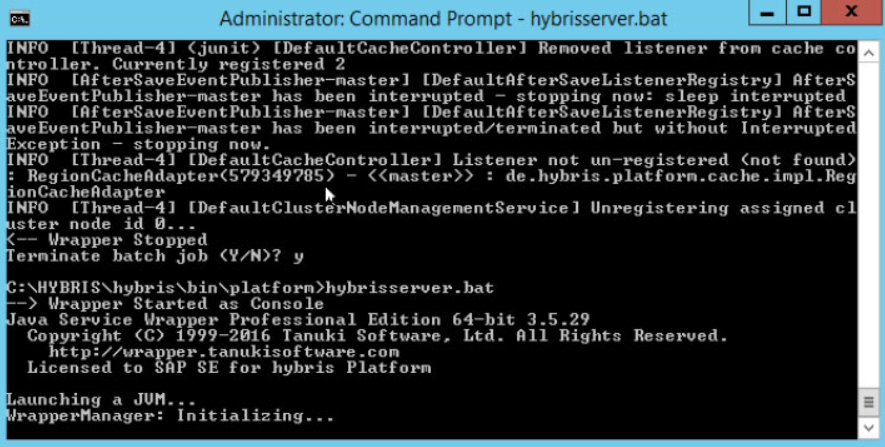
-
PowerConnect will be deploy on startup

-
Then use a web browser to access the following URL: http://<HYBRIS_HOST>:<port>/sap_powerconnect_java/ui/index.html
-
Once connected, configure the HEC endpoint with the following details
-
HEC Key
-
Splunk HEC URL, which should be: http://<ip address or qualified domain>:8088
-
Splunk Index
-
Splunk Source, which should be: java:hybris
-
-
Test to confirm that the connection is successful. If it is not successful work with the Splunk administrator to ensure the endpoint was properly set up.
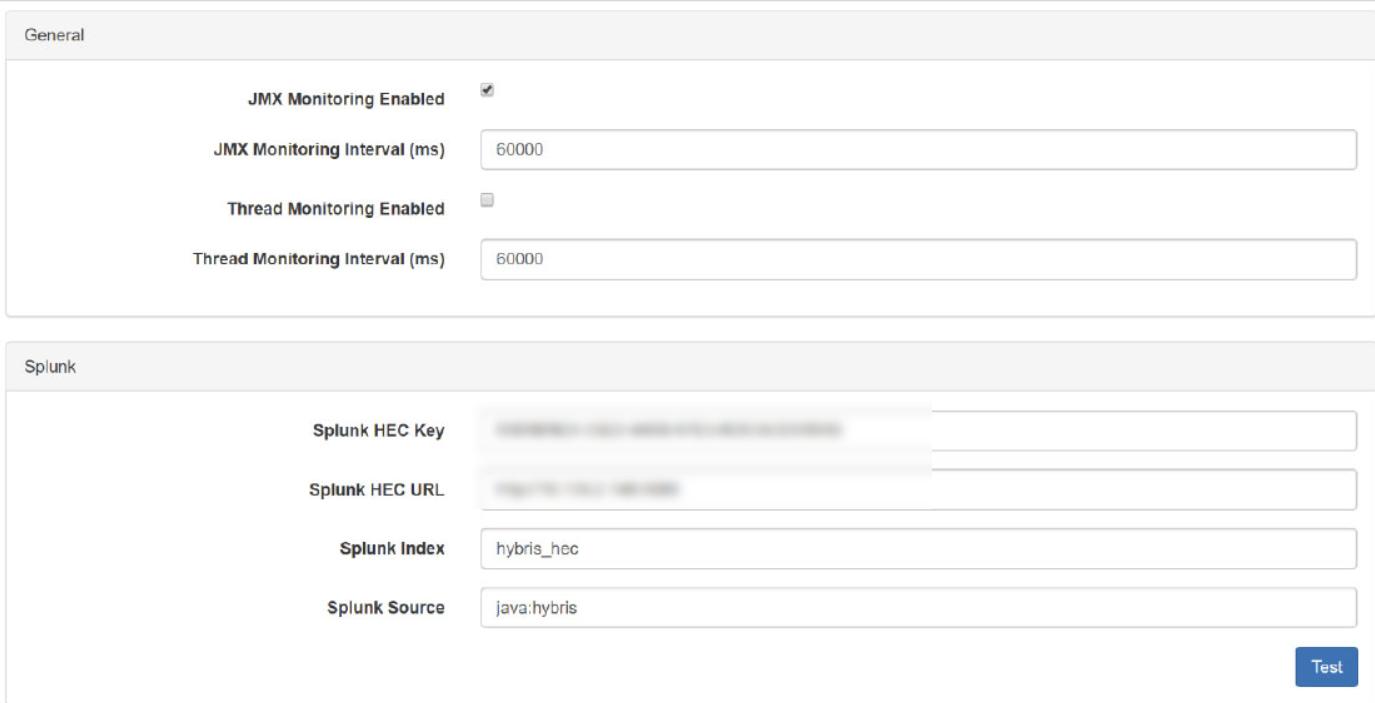
-
Then activate the desired data extraction parameters.
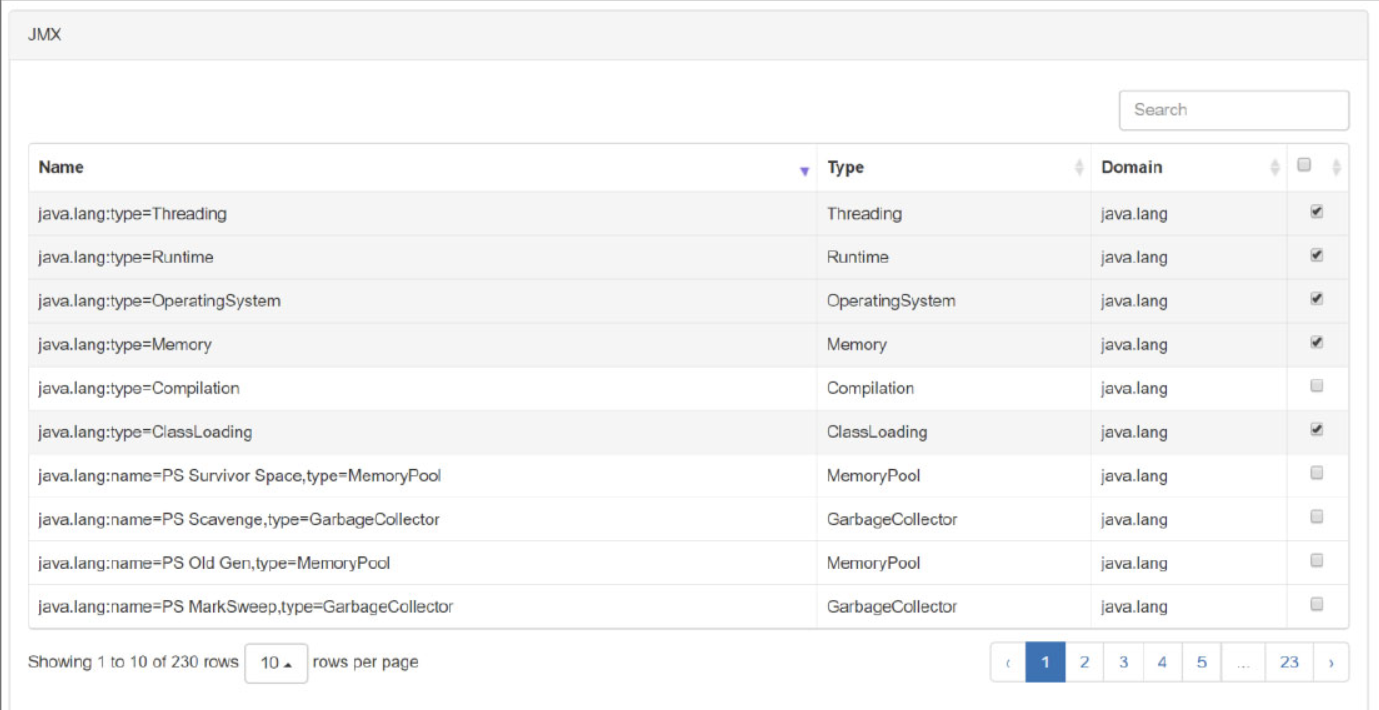
-
Input the provided license key.
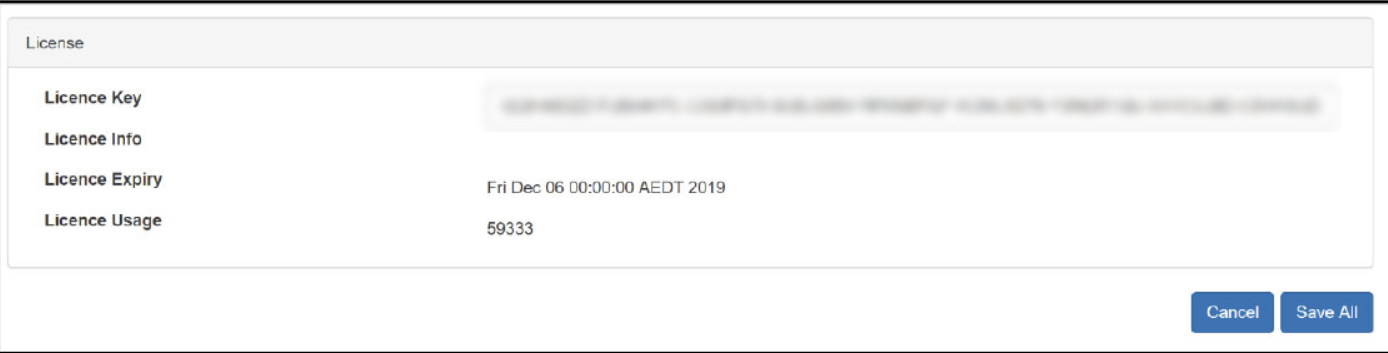
-
Save the configuration. The data should be available in Splunk within the next several minutes.
Product version
|
Product |
From |
To |
|
PowerConnect [NW,S4HANA,S4HANA Cloud] |
[Affected version from] |
[Affected version to] |
[SAP product version]
|
Product |
Component |
From |
To |
|
|
|
|
|