

-
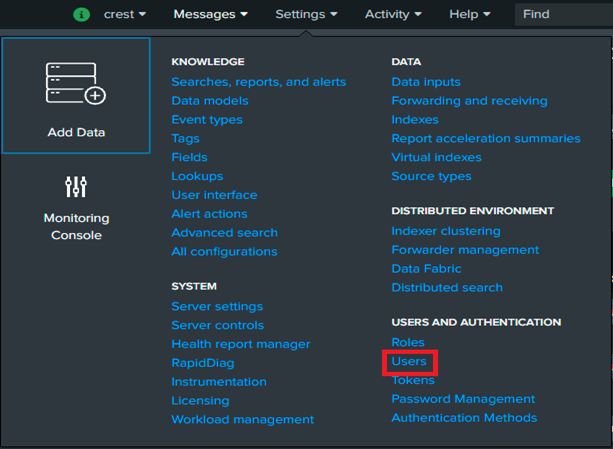
To Update Default Index based on your role you need to check your role for that click on “Settings” and then “Users”.
-
filter your username at the top filter

-
Now, in the result table you will see your roles.

-
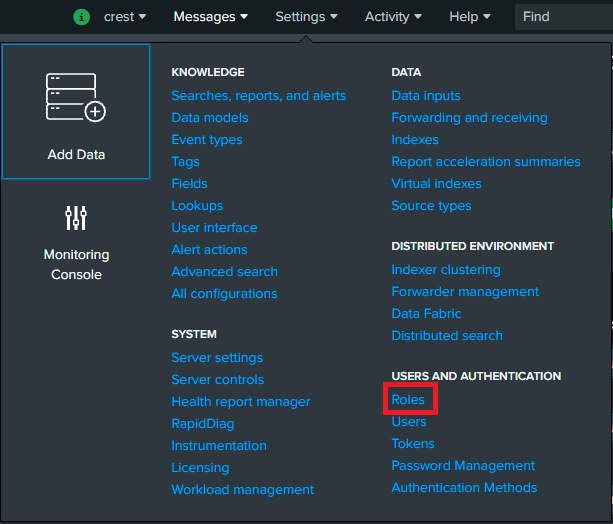
To make the PowerConnect indexes searchable by default for your role, click on “Settings” and then “Roles”.
-
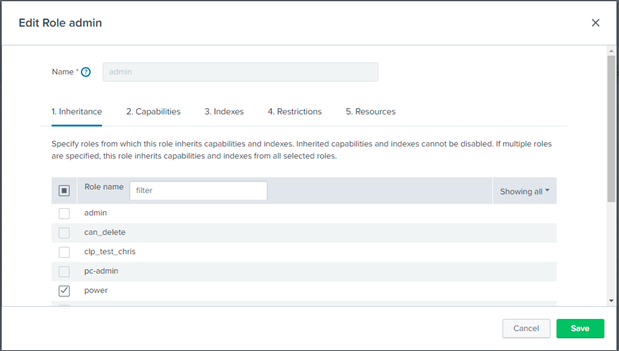
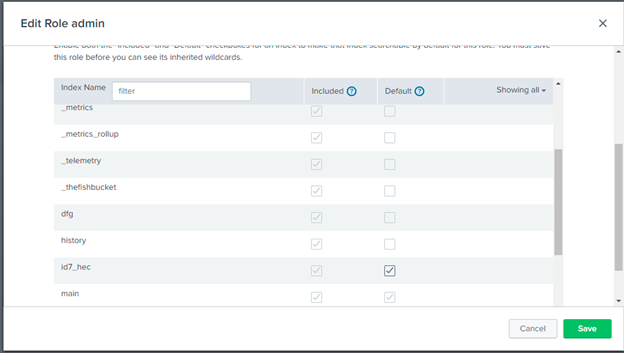
Here you can see your role in the table, click on your role. you can see below screenshot popup after clicking on specific role.
-
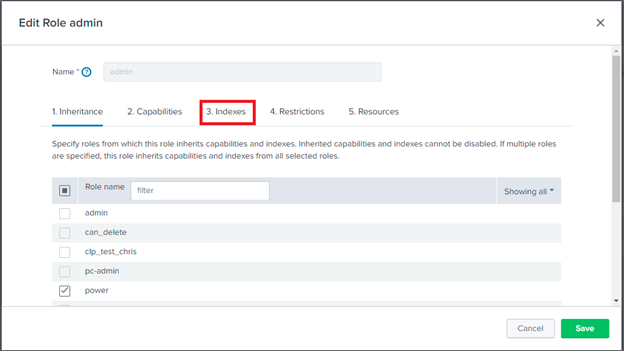
Now click on Indexes.
-
You can select any of the indexes in which your data is ingested as a default index, by clicking on the checkbox in the Default column.
-
And Save the Changes.
-
Now, you can see the data of that Index.
Note: If sap-index macro is configured then it’s index value should be among the index selected in step 7.