KB 90 (ABAP): PowerConnect System Copy Guide
|
Category: Information |
Priority: Normal |
|---|---|
|
Platform: ABAP |
Version: 1 from 23.03.2021 |
Description
Please follow the steps below as part of pre and post processing of your system copy.
Before System Copy
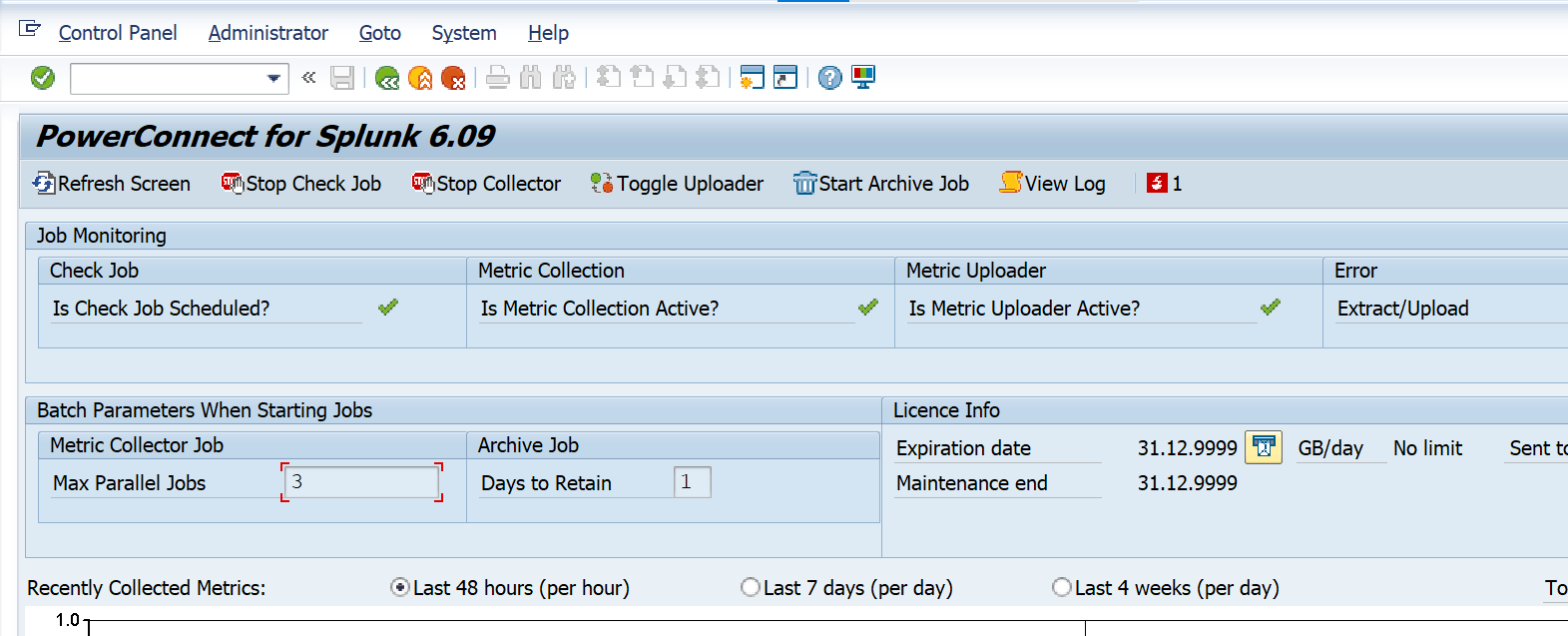
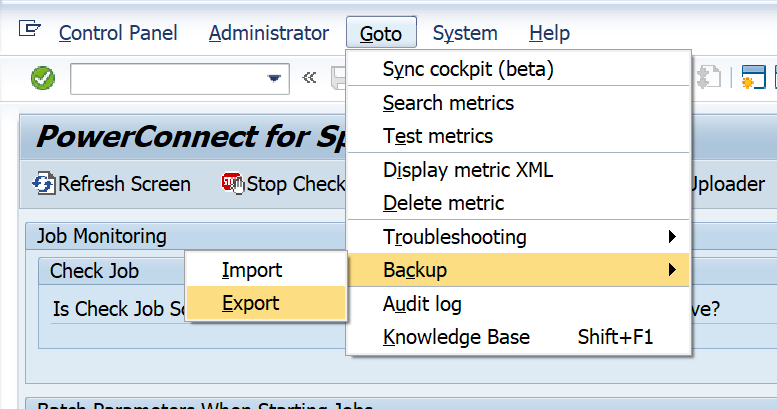
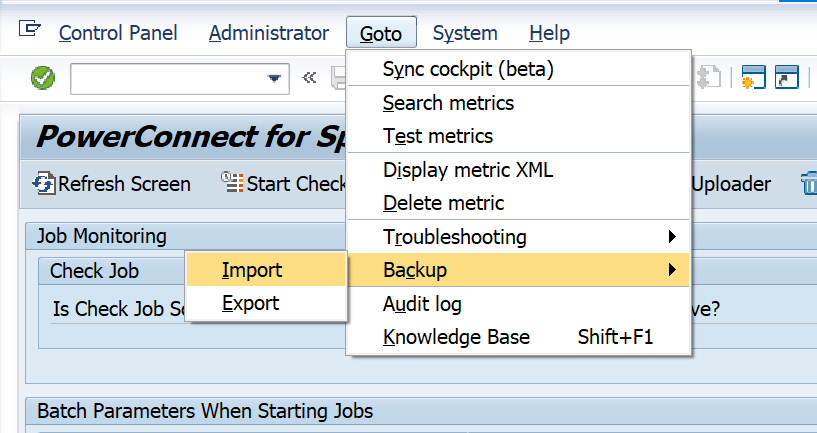
To preserve the existing PowerConnect configuration export the existing configuration. This can be done by going to the /n/bnwvs/main transaction in the SAP system, and go to GoTo → Backup → Export
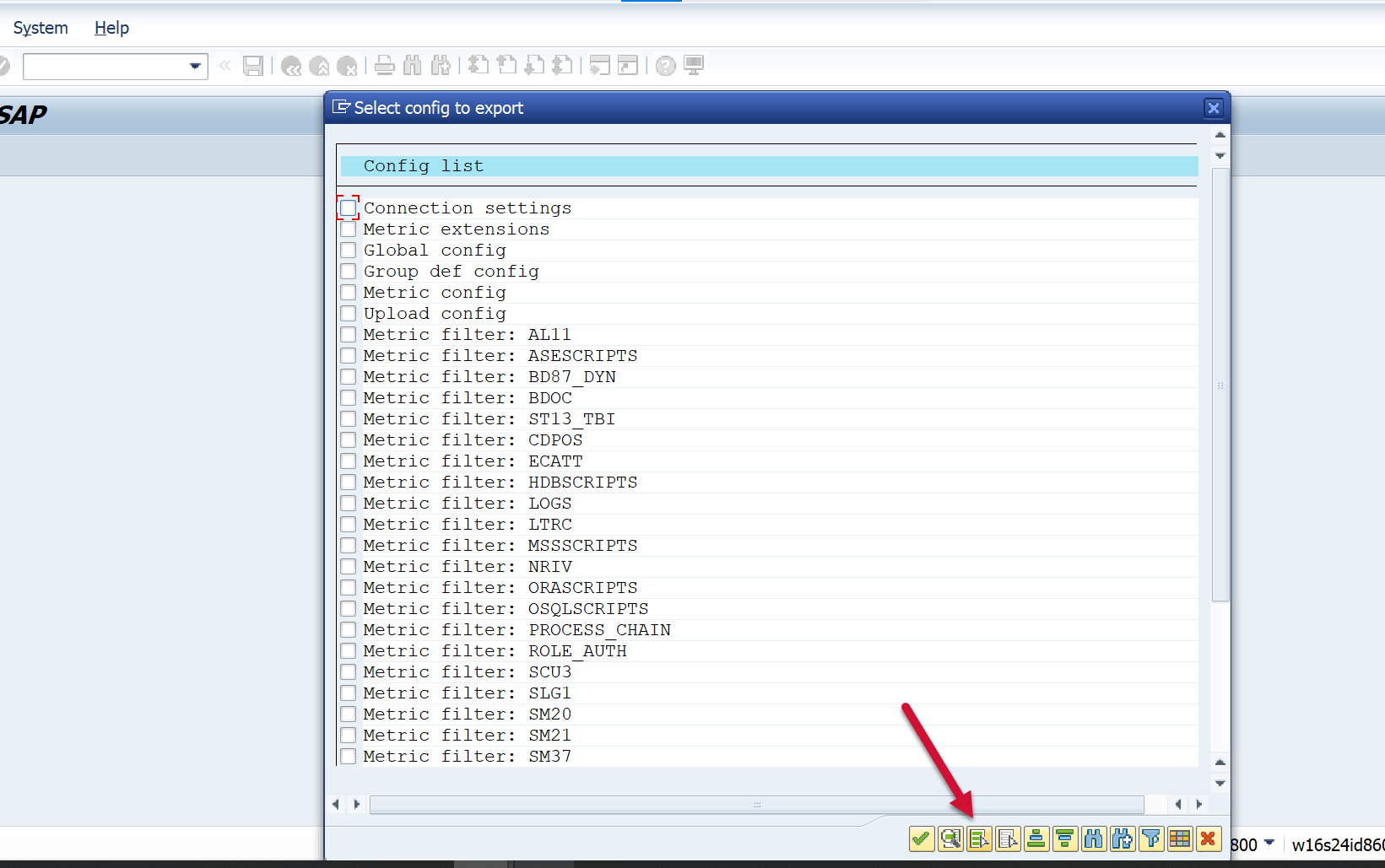
Click Select All
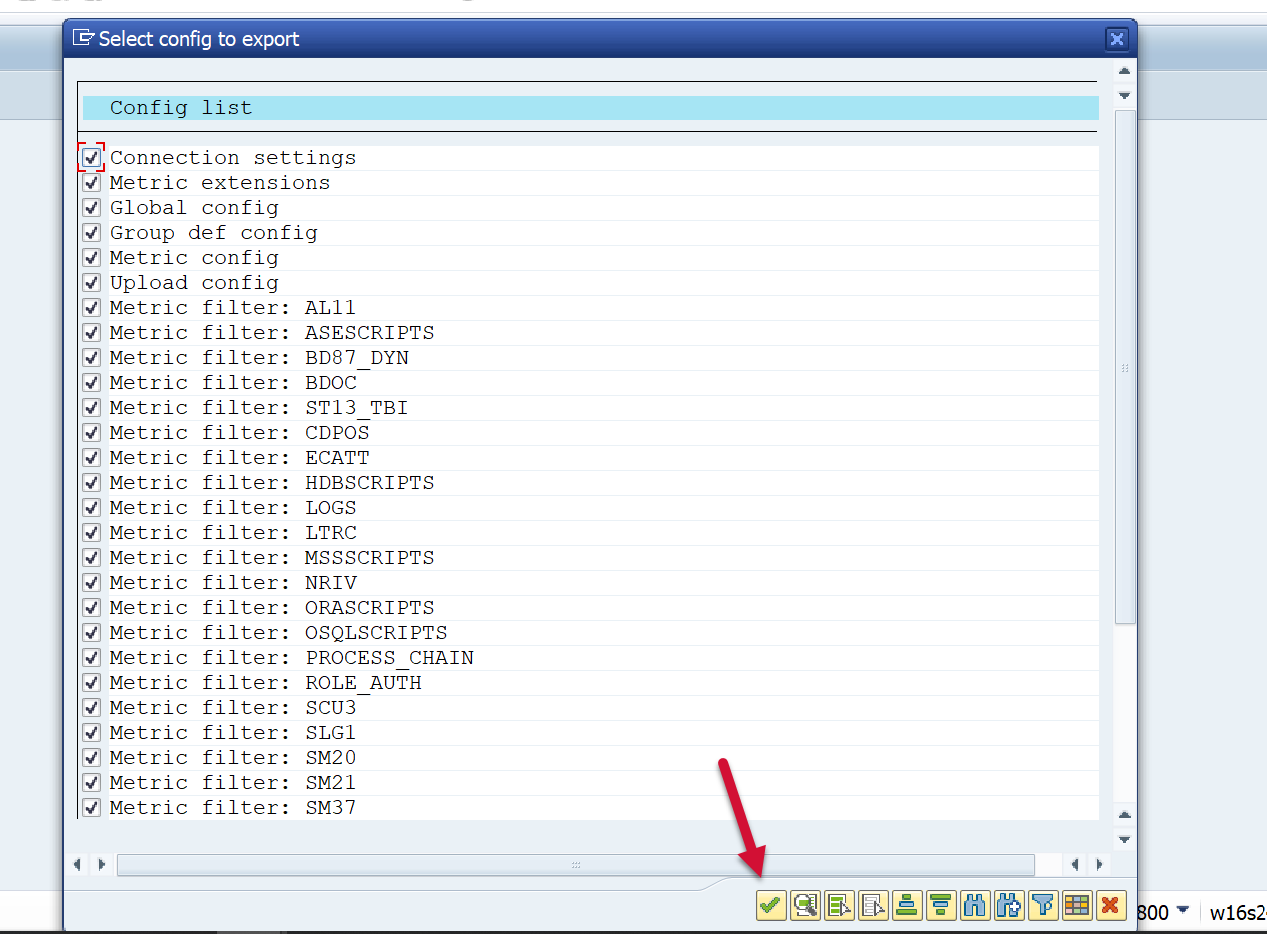
Then click Confirm
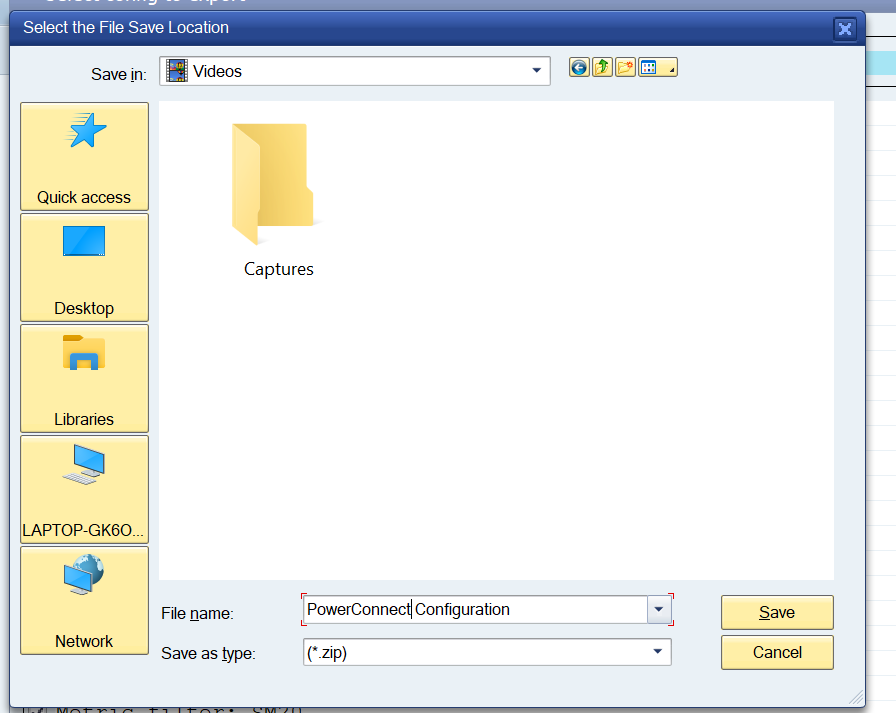
Save the zip file to your local PC
After System Copy
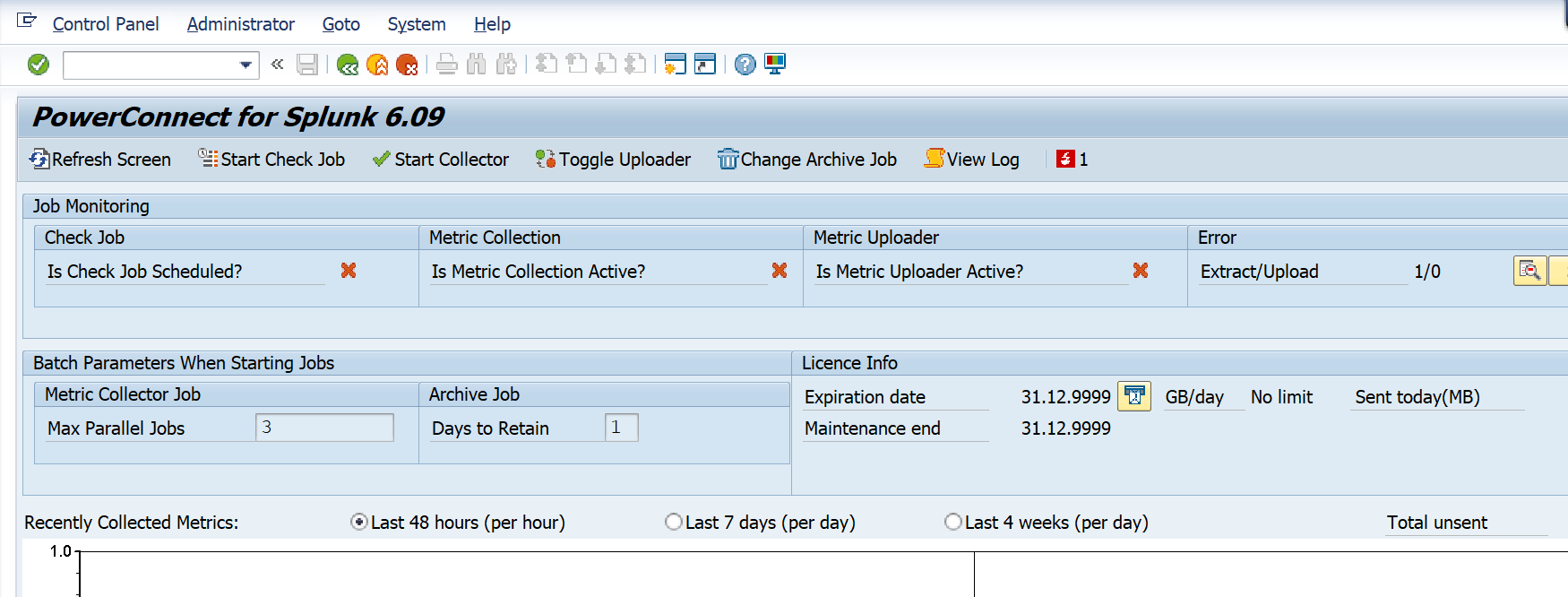
Ensure all PowerConnect jobs are stopped
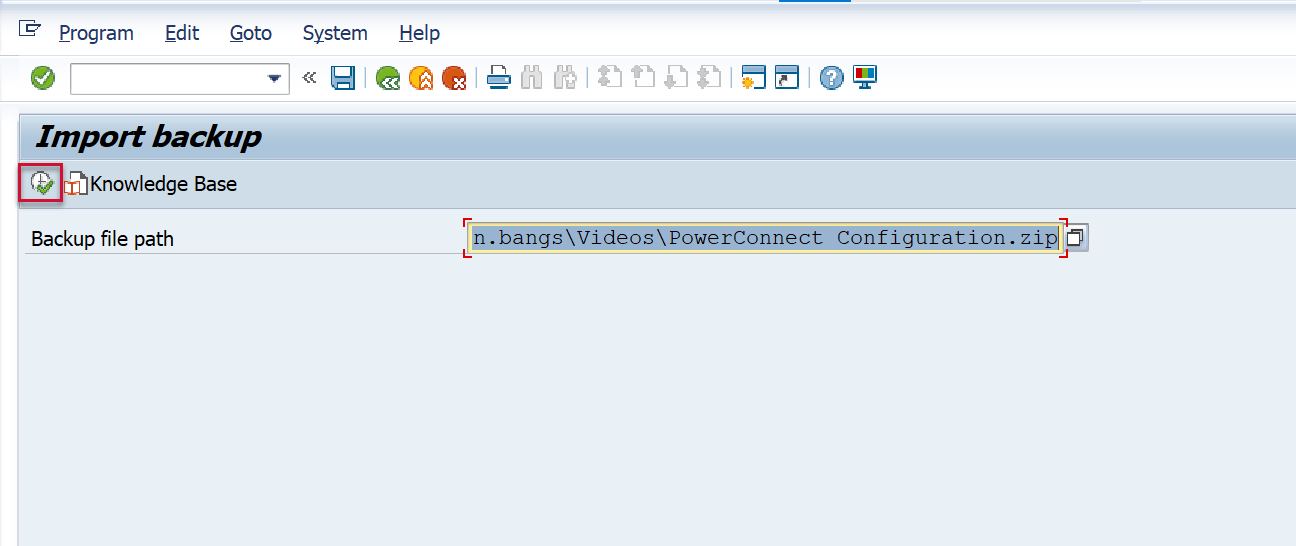
Then go to GoTo → Backup → Export
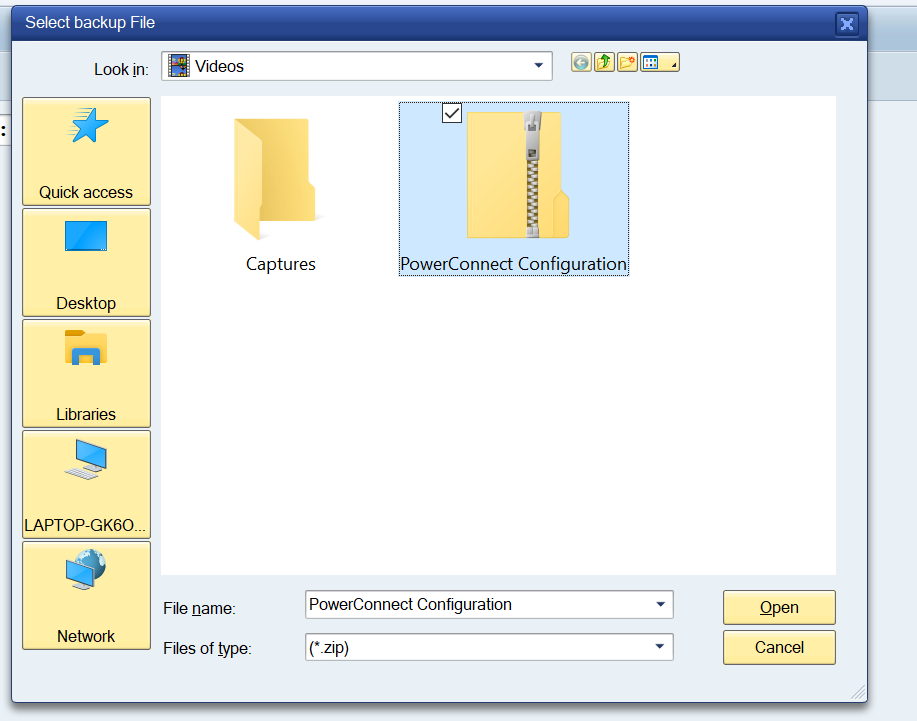
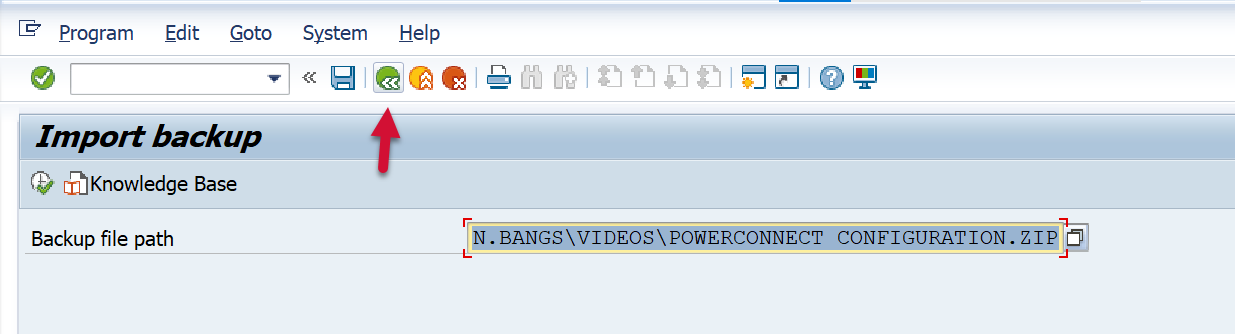
Click on the file that was exported in the previous step
Click on the Execute button.
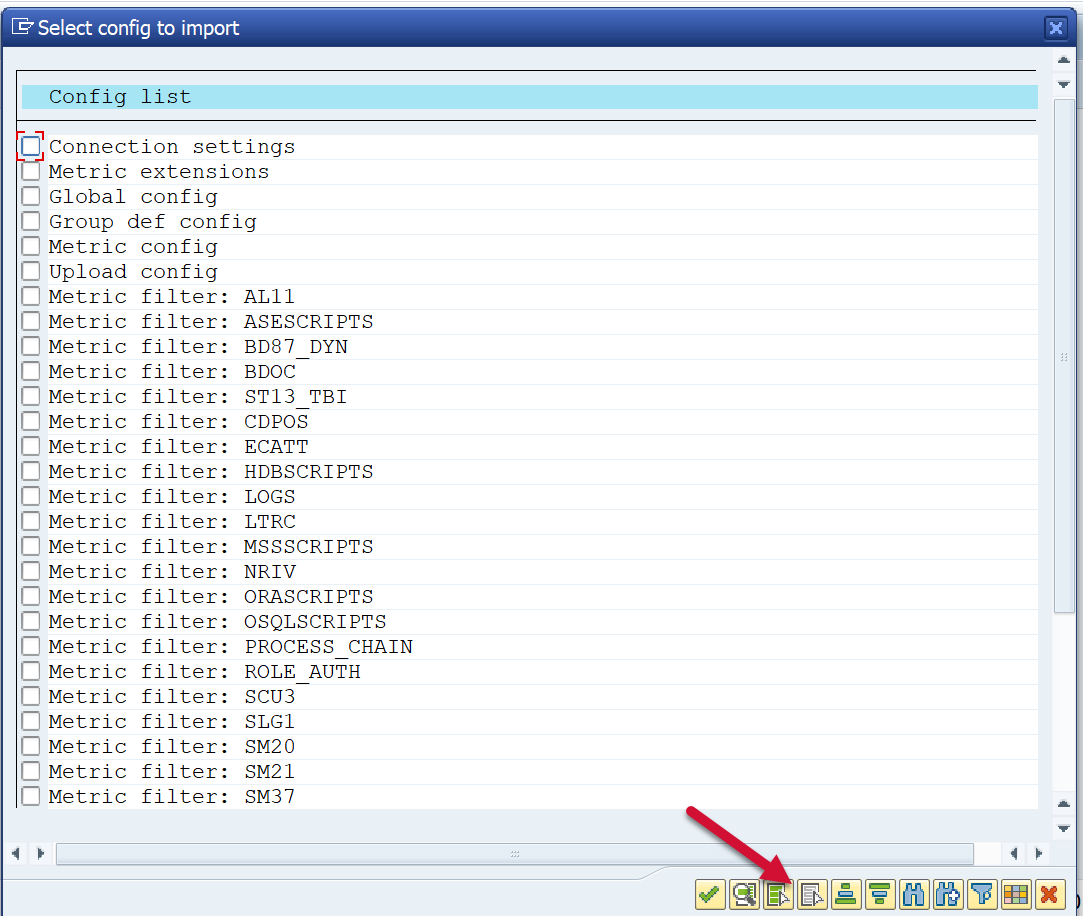
Click on Select All
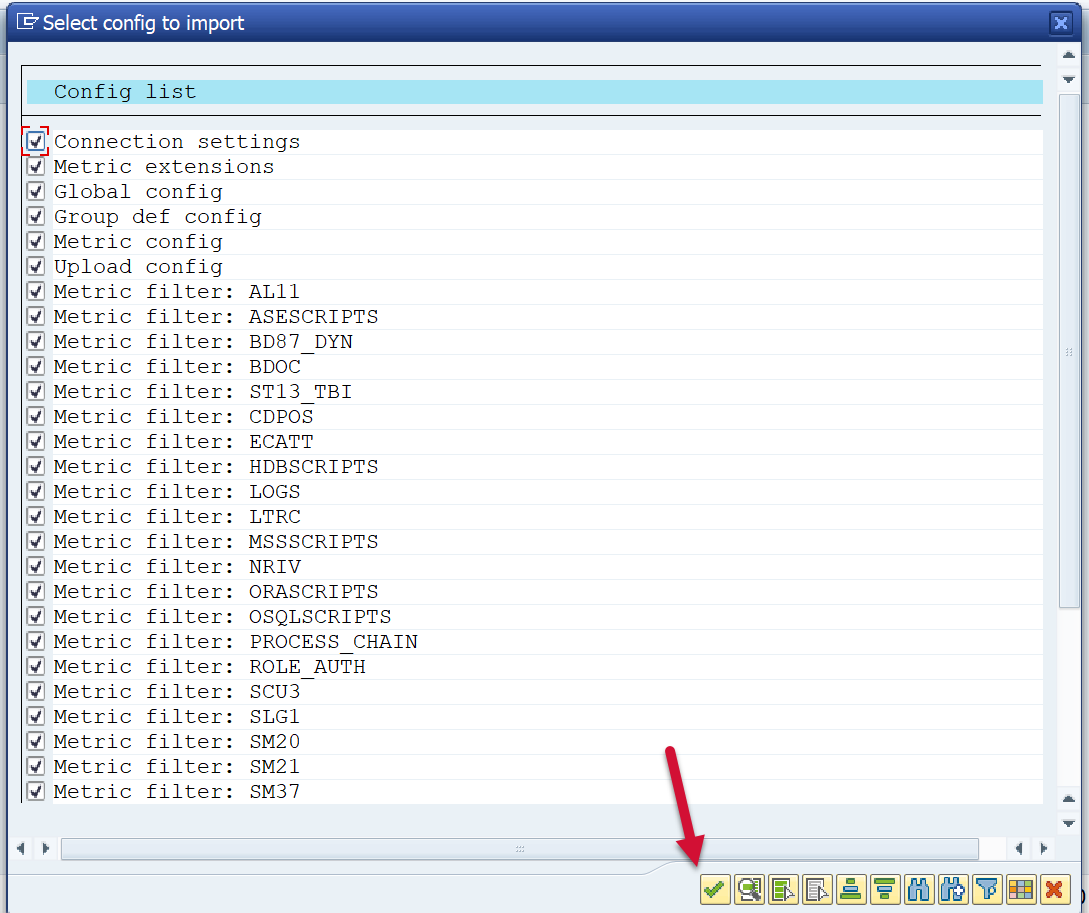
Click on Confirm
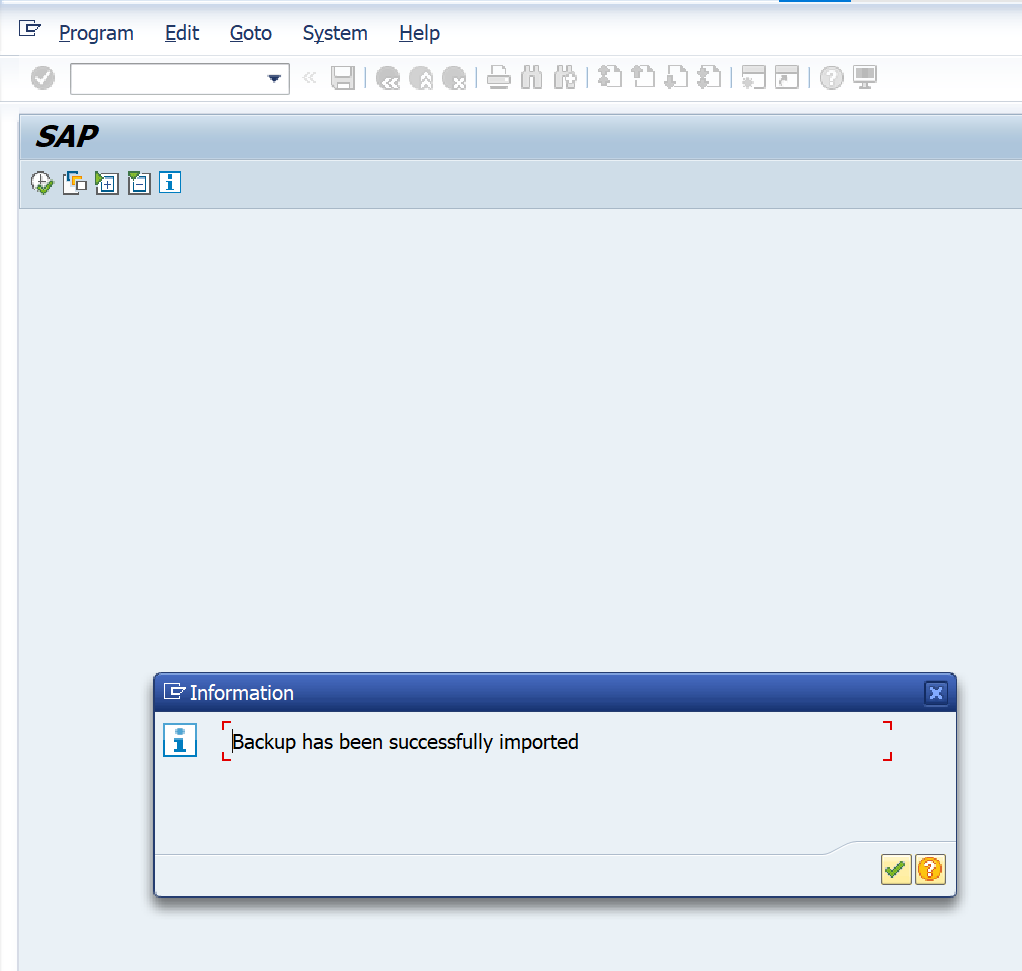
Click confirm after the backup has been successfully imported
Click on Back
Restart the PowerConnect batch jobs