

|
Category: Problem |
Priority: Normal |
|---|---|
|
Platform: Splunk |
Version: 1 from 13.12.2023 |
Description
In the PowerConnect App for Splunk version 8.0.1, the panel data in the SAP Logs Search dashboard does not populate after selecting the required inputs.
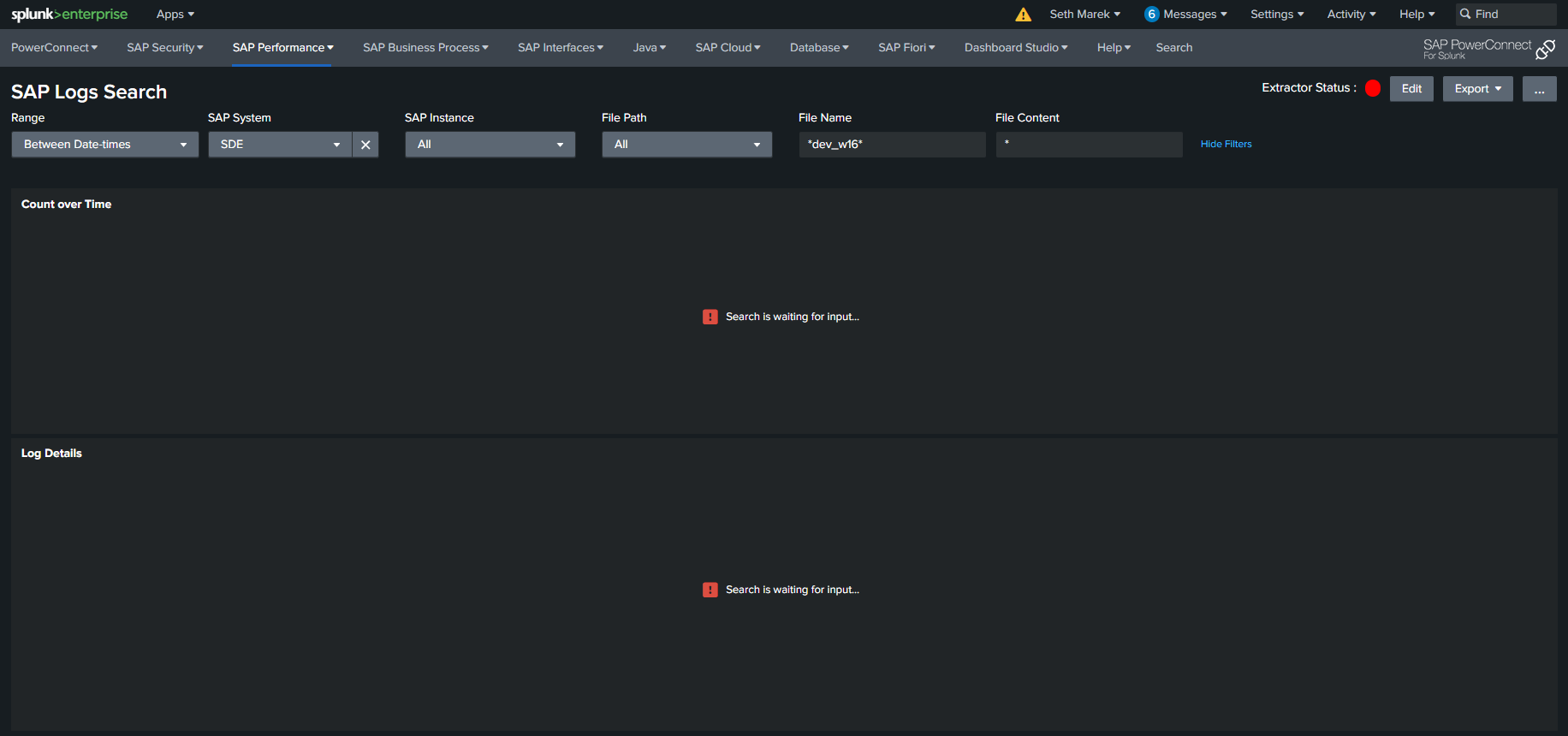
Cause
The Instance Name dropdown does not contain the correct token name.
Resolution
Edit the input to use the token name instance_name.
-
Open the SAP Logs Search dashboard
-
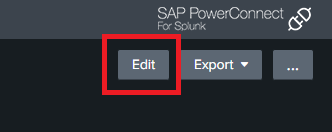
Click the “Edit” button.
-
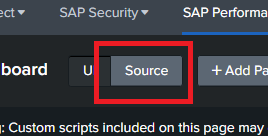
Open the dashboard source by clicking the “source” button next to “UI”
-
On code lines 83 and 99, perform the change on the matching text:
… INSTANCE_NAME=
$instance_name|s$$appServerList|s$
-
Click “Save” and refresh the dashboard to verify that the functionality is correct.