

|
Category: Information |
Priority: Normal |
|---|---|
|
Platform: Splunk |
Version: 1 from 24.02.2023 |
Description
The Java System Overview dashboard first added in the PowerConnect Splunk app version 7.2.0+ includes a new Network Topology panel that is hidden by default.
Cause
This panel was hidden by default as the visualization used is not embedded in the PowerConnect Splunk app for 7.2.0+.
Resolution
The visualization is not embedded in the PowerConnect Splunk. To enable it:
-
Install the Network Topology visualization found on Splunkbase.
-
As this app is not supported by Splunk and no longer in development, we are not liable for any compatibility issues now or in the future.
-
This app is only marked as compatible with Splunk Enterprise 7.0.
-
-
Reveal the panel in the Java System Overview dashboard:
-
Go to the Java System Overview dashboard under the JAVA menu.
-
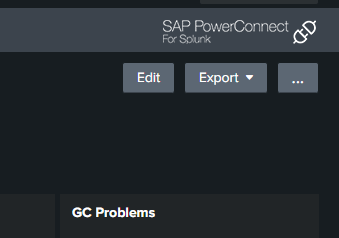
Click to edit the dashboard
-
In line 171, remove the depends attribute.


-
Save the dashboard and refresh the page.
-